
App · iOS · iPadOS
ImageTiny
ImageTiny compresses, resizes, crops and converts photos on-device, and can remove EXIF and GPS metadata before sharing. Its free tier allows 2 images per batch and 50 per day; Pro raises the batch limit to 200.

ImageTiny
- Status
- Live
- App Store
- iOS / iPadOS
- Tech Stack
- —
In the app
Fig. 02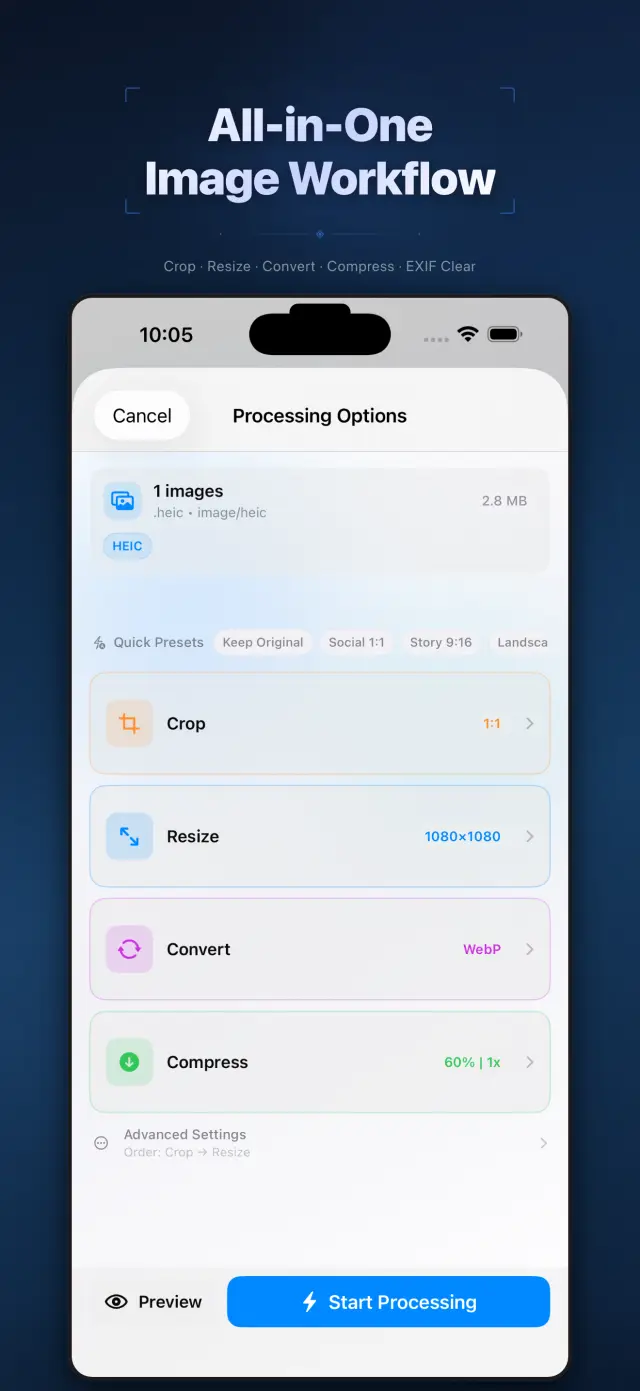
Product guide
When to use it
Prepare smaller photos for an email or convert a HEIC image for someone who cannot open it.
A practical workflow
- Select the photos and choose compression, dimensions, crop or an output format.
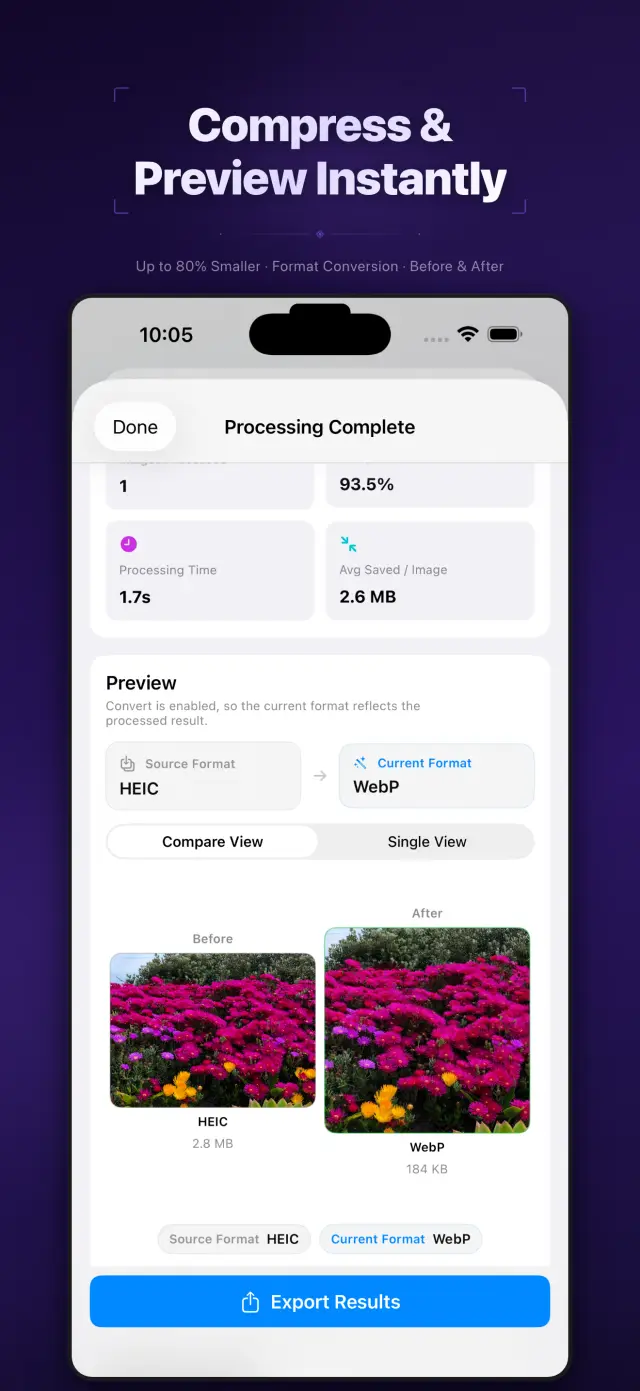
- Preview the result and check readability and dimensions before saving.
- Choose metadata cleanup when sharing location-sensitive photos, then inspect the exported file.
Limits to check
Lossy compression can change detail. Supported outputs include HEIC, JPEG, PNG, WebP, TIFF, BMP, GIF and ICO; GIF video export is also listed. Pro features and current plan terms are shown in the App Store.
Storage and connections
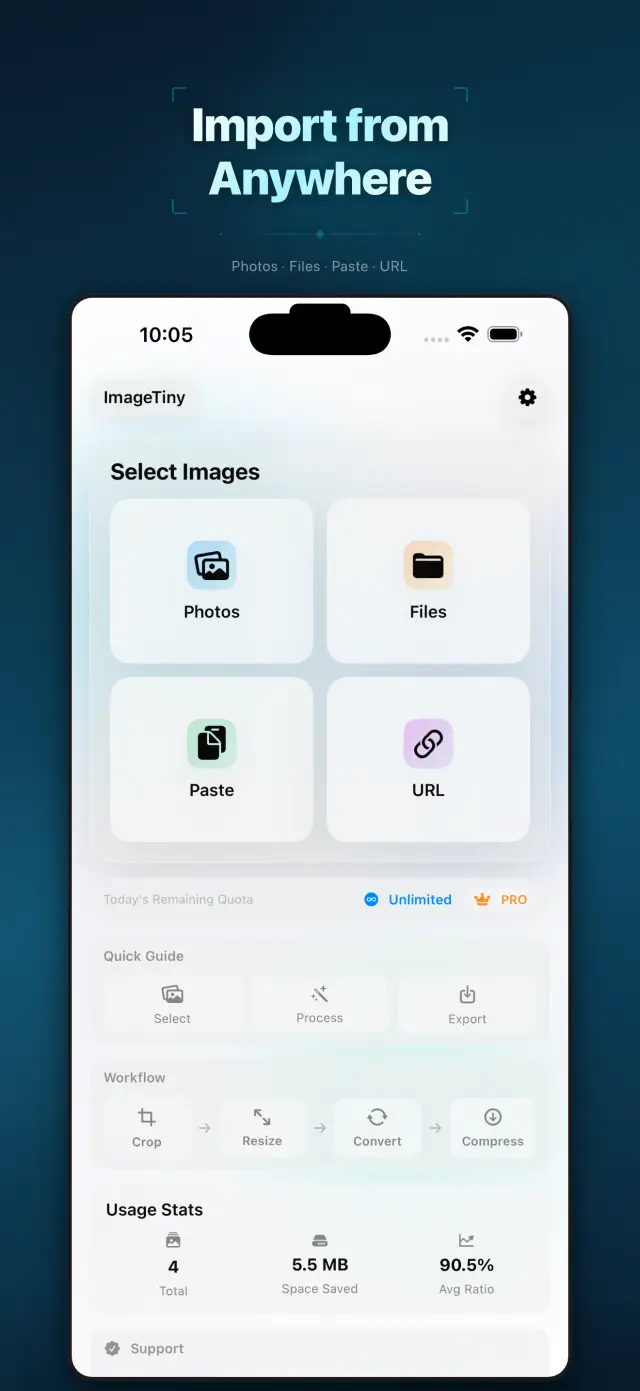
Image processing is performed on-device. An export destination such as Photos, Files or a sharing app has its own storage and sync settings.
Sources and product facts
Open the product source · US- App Store name
- ImageTiny: Compress Photo size
- Listed developer
- 雷 陈
- Listed version
- 2.2.2
- Minimum iOS
- iOS 15.0+
- Source checked
- 2026-10-11
- App languages
- Arabic, English, French, German, Indonesian, Japanese, Korean, Portuguese, Russian, Chinese, Spanish, Tagalog, Thai, Turkish, Vietnamese
Check the App Store for current purchases, subscriptions and regional availability.
Based on the linked product information, not a hands-on review or an independent privacy audit. Store terms and compatibility can change.
Docs & Support
No. 5Plain-language documents. No fine print you would be surprised by.
iOS and Mac applications built by ZelonAI for productivity, privacy, and hands-on AI learning.