Εφαρμογή iOS · iOS

Many photos, compressed in one careful pass.

ImageTinify

iOS App Batch compress images, remove geographical information, make the images more secure, and enjoy privacy.

Ιδιωτικότητα πρώτα Δεν χρειάζεται λογαριασμός Λειτουργεί εκτός σύνδεσης
ImageTinify mark

ImageTinify

status
status live
App Store
iOS
tech stack
Image Compression · Metadata Sanitization

Με μια ματιά

Fig. 01

Every photo you share leaks a little geography. One careful pass removes it — and the megabytes you never needed.

Λειτουργίες

No. 01

Built for “a lot of them”.

01

Batch image compression

02

Geographical info removal

03

Privacy-first export workflow

Specifications

Tab. 01

At a glance

Platforms
iPhone
Batch
Compress a whole batch of photos at once
Metadata
GPS location removed with the export
Privacy
Everything processed on device

Ροή εργασίας

No. 02

Three steps to settle a whole batch.

  1. 01

    Ring-fence the batch

    Select an entire batch from your library in one go — travel, events, casual shots, any count.

  2. 02

    Process uniformly

    Batch-compress and strip geotags with consistent settings and a clear progress view.

  3. 03

    Export the batch

    Lighter, cleaner photos exported in one pass, ready to share or archive.

Εμπιστοσύνη και ιδιωτικότητα

No. 03

Batch processing demands firmer boundaries.

Ιδιωτικότητα πρώτα

Local-first: no account, no ads, no tracking — data never leaves the device.

Δεν χρειάζεται λογαριασμός

No sign-up, no login. Install it and it just works.

Λειτουργεί εκτός σύνδεσης

Everything core runs offline; no network required.

Batch is not just about time. One photo out of a hundred carrying your home address leaks everything. ImageTinify bakes geotag removal into the batch flow — the whole batch clean is what proper means.

Σχετικά ImageTinify

No. 4

The longer story — what it is, who it is for, and the choices behind it.

Ημερομηνία: 20 Νοεμβρίου 2025

Σας ευχαριστούμε που χρησιμοποιείτε το ImageTinify – επαγγελματικό τοπικό εργαλείο συμπίεσης φωτογραφιών.

Βασικά χαρακτηριστικά

  • Τοπική επεξεργασία, προστατευμένο ιδιωτικό απόρρητο

  • Κορυφαίοι στη βιομηχανία αλγόριθμοι συμπίεσης

  • Υποστήριξη των μορφών JPEG, PNG και HEIC

  • Έξυπνη συμπίεση, ποτέ μεγαλύτερο από το αρχικό

  • Μαζική επεξεργασία, αποδοτική ροή εργασίας

Αναπτύχθηκε από την ομάδα του ImageTinify

© 2025 ImageTinify. Με την επιφύλαξη παντός δικαιώματος.

view full about

docs support

No. 5

Plain-language documents. No fine print you would be surprised by.

faq title

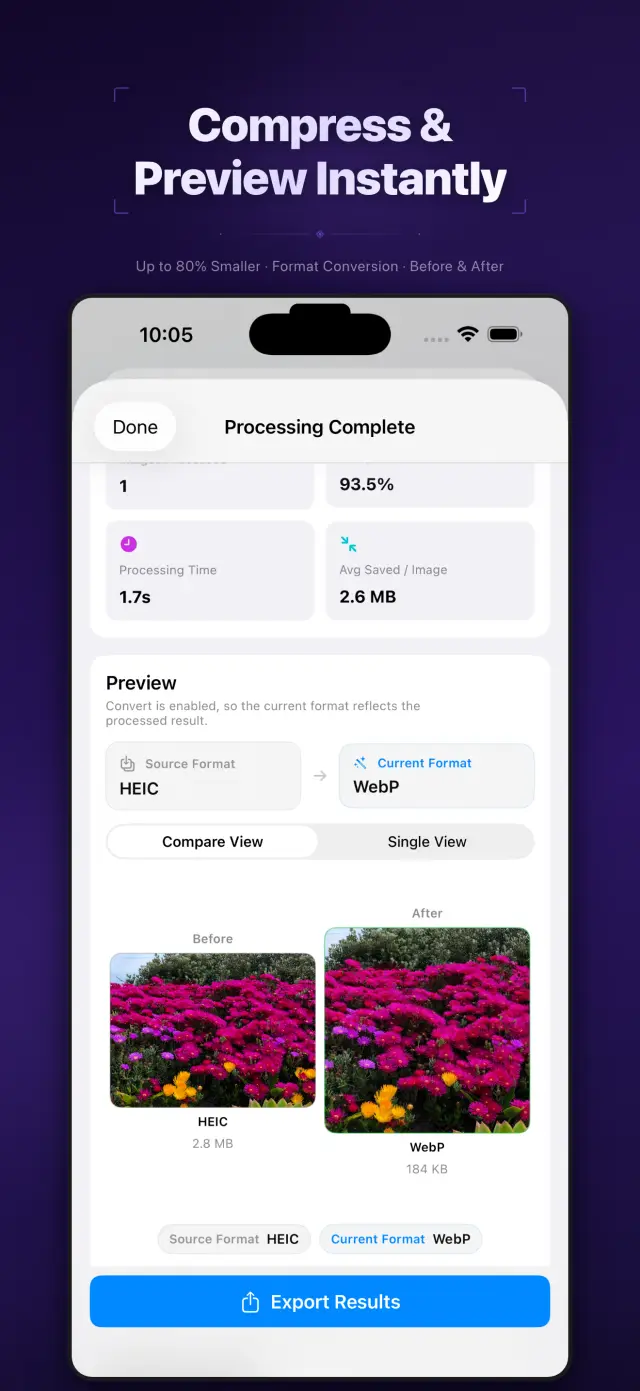
ImageTinify batch-compresses photos on your iPhone and removes geographical (GPS) metadata along the way — smaller files for sharing, with the location trail removed.

Most cameras embed where a photo was taken. Sharing the file shares that location — your home, your child's school, your vacation-away date. ImageTinify strips it in the same pass as compression, so the safe version is also the small one.

Select a batch of photos, pick the quality trade-off once, and let it run — every photo is processed with the same settings and saved ready to share.

No. Everything is processed on device — that is the whole design. Removing location data by first sending photos somewhere else would defeat the purpose.

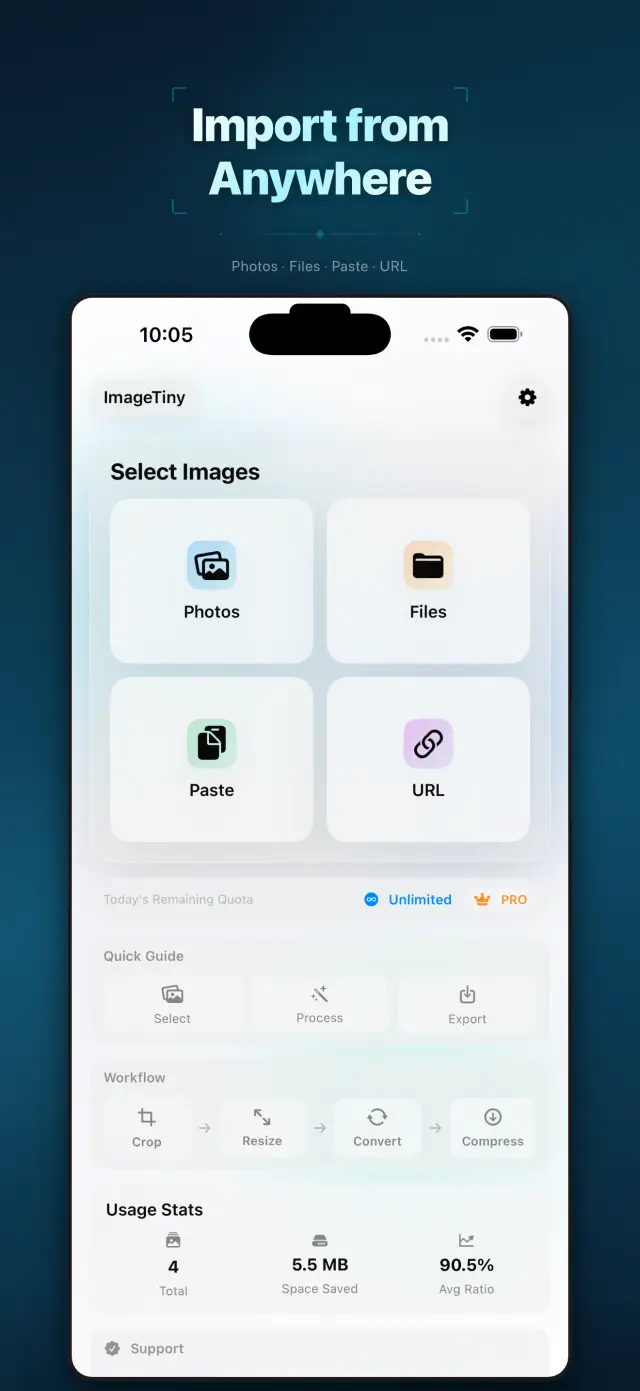
ImageTinify is the focused original: batch compression plus GPS removal on iPhone. ImageTiny is the broader follow-up — a full on-device image workflow across iPhone, iPad, and Mac with conversion and richer metadata cleanup.

Next library cleanup, let it handle the batch.

ImageTinify

iOS. Download on the App Store.