
01
Apple Platform App · iPhone · iPad
The room gets bigger; the talk stays yours.
PresentCast
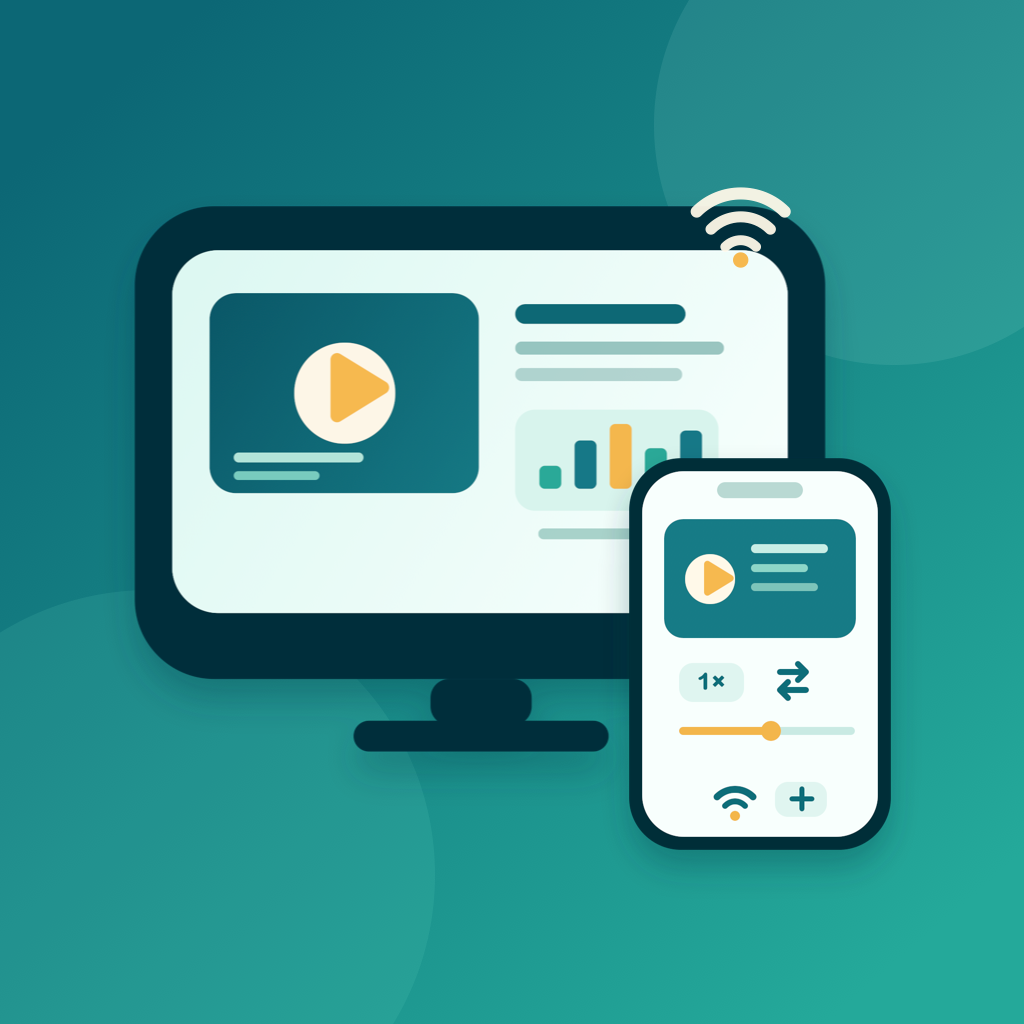
PresentCast is an iPhone and iPad app for playlist casting. Build ordered run sheets of PDFs, photos, and videos, then cast them in order to a TV, projector, or Apple TV over AirPlay, or to a compatible DLNA/UPnP receiver on the same Wi-Fi — or preview on the built-in Demo Display where your device acts as the screen. The free tier covers everyday playlist presenting; PresentCast Pro adds higher-quality output and workflow shortcuts. Local-first: no account, no ads, no tracking.
privacy first 가이드
no account needed 가이드
works offline 가이드
PresentCast
- status
- status live
- App Store
- iPhone / iPad
- tech stack
- AirPlay · DLNA · PDFKit · AVFoundation · StoreKit 2
at glance 가이드
Fig. 01A good talk deserves a real screen. Send it to the TV, and stand where everyone can see.
features 가이드
No. 01whole presentation pocket 가이드
02
Cast over AirPlay or DLNA to TVs, projectors, and Apple TV
03
Presentation remote with live queue editing and loop
workflow 가이드
No. 02minute before you go stage 가이드
-
01
import material 가이드
pdf handouts photos demo videos drop them into 가이드
-
02
rehearse once 가이드
run pacing built preview screen first only connect 가이드
-
03
present over airplay dlna 가이드
cast flip pages reorder queue stay control one 가이드
trust privacy 가이드
No. 03handouts demos stay hands 가이드
privacy first 가이드
local first no account ads tracking data never 가이드
no account needed 가이드
no sign up login install it just works 가이드
works offline 가이드
everything core runs offline no network required 가이드
presentation material often unreleased content presentcast manages playlists 가이드
product direction
No. 04where this app headed maker s own hand 가이드
import build 가이드
add pdfs photos videos files arrange them into 가이드
choose display 가이드
pick tv projector apple airplay route picker discover 가이드
present order 가이드
playlist plays top bottom advance pages reorder queue 가이드
demo display 가이드
no receiver nearby let device act as screen 가이드
about PresentCast
No. 5longer story what it who choices behind 가이드
최종 업데이트: 2026년 9월 2일
PresentCast는 재생 목록 캐스팅을 위한 iPhone 및 iPad 앱입니다 — PDF, 사진, 동영상을 순서대로 정리한 런 시트를 더 큰 화면에 발표할 수 있습니다. 재생 목록을 만든 다음 AirPlay를 통해 Apple TV 또는 호환되는 TV나 프로젝터로, 같은 Wi-Fi에 있는 호환되는 DLNA/UPnP 스마트 TV나 셋톱박스로 순서대로 캐스팅하거나, 기기 자체가 화면이 되는 내장 Demo Display에서 미리 보세요. 무료 버전으로도 일상적인 재생 목록 발표가 가능하며, PresentCast Pro는 더 높은 품질의 출력과 작업 흐름 단축 기능을 추가합니다. 로컬 우선 방식입니다: 계정 없음, 광고 없음, 추적 없음.
주요 기능
PDF 문서, 사진, 데모 동영상을 라이브러리로 가져온 다음 이름을 붙인 재생 목록(런 시트)으로 배열하세요 — 항목을 재정렬하고, 이름을 바꾸고, 복제할 수 있으며 한 번 탭하면 시작됩니다. Present in Order는 재생 목록을 처음부터 끝까지 재생하며 PDF 페이지, 정지 이미지, 동영상을 자동으로 넘어갑니다. 발표 중에 계획을 바꿔야 하나요? 실시간 대기열 편집기로 발표하면서 원하는 항목으로 바로 이동하거나 드래그하여 순서를 바꿀 수 있습니다. Loop를 켜면 재생 목록이 자동으로 다시 시작되고, 각 사진이 화면에 머무는 시간(3~20초)도 설정할 수 있습니다. 기기가 발표 리모컨이 되어 현재 및 다음 항목 미리 보기, 경과 시간 시계, 페이지 및 동영상 스크럽, 볼륨, 재생 속도를 제공합니다. 페이지 탐색은 모든 디스플레이에서 작동합니다. DLNA 수신기에서는 속도, 스크럽, 볼륨 같은 동영상 제어가 수신기 지원 여부에 따라 달라지며, 리모컨은 제어를 사용할 수 없을 때 알려 줍니다. 수신기가 없나요? 앱 내 Demo Display로 기기 자체를 TV처럼 사용해 리허설할 수 있고, 내장 샘플 프로젝트가 전체 흐름을 몇 초 만에 안내합니다.
핵심 작업 흐름
- 가져오기 및 구성 — 파일 또는 사진 앱에서 PDF, 사진, 동영상을 추가한 다음 순서대로 정리된 재생 목록으로 배열하세요. 모든 항목은 기기에 그대로 남습니다.
- 디스플레이 선택 — 시스템 AirPlay 라우트 선택기에서 TV, 프로젝터 또는 Apple TV를 고르거나, 같은 Wi-Fi에서 호환되는 DLNA/UPnP 스마트 TV나 셋톱박스를 찾거나, 내장 Demo Display를 사용하세요.
- 순서대로 발표 — 재생 목록이 처음부터 끝까지 재생되는 동안 리모컨으로 조작하세요: 페이지를 넘기고, 타이밍을 조정하고, 동영상을 재생하고, 대기열을 실시간으로 재정렬하거나 전체 런 시트를 반복합니다.
- Pro 업그레이드 — 무제한 기록 및 즐겨찾기, 더 넓은 속도 범위, Smart Fill, 2K/4K 및 60 fps 출력, 자동으로 다시 연결되는 디스플레이 기억 기능을 잠금 해제하세요.
차별화 포인트
PresentCast는 한 가지 작업에 집중합니다 — AirPlay와 호환 DLNA/UPnP 수신기를 활용해 재생 목록을 큰 화면에 깔끔하고 순서대로 재생하는 것입니다. 화면 미러링이 아니라 선택한 콘텐츠만 전송합니다. Chromecast와 Miracast는 지원하지 않으며, 오디오 전용 파일과 웹 페이지는 재생 목록 항목이 될 수 없고, PowerPoint나 Keynote 문서는 먼저 PDF로 내보내야 합니다. 만들 계정도, 클라우드 업로드도, 분석 수집도 없습니다. 파일은 기기에 그대로 남습니다. 세션이 활성 상태인 동안에만 재생에 필요한 선택한 프레젠테이션 미디어가 로컬 네트워크를 통해 선택한 수신기에 제공됩니다.
개인정보 보호를 위한 설계
PresentCast는 로컬 우선 방식입니다: 계정, 광고, 분석 또는 추적 SDK가 없으며 개인정보를 수집하지 않습니다. 가져온 파일, 재생 목록, 렌더 캐시, 환경설정은 기기에 그대로 남습니다. App Store 프라이버시 레이블은 "Data Not Collected"입니다. 영어와 중국어 간체 두 가지 언어를 지원하며 밝은 모드와 어두운 모드에서 모두 작동합니다.
PresentCast Pro
무료 버전에는 Demo Display, AirPlay, DLNA에서의 순서 재생 목록 발표, 전체 발표 리모컨, 최근 파일 기록 5개, 즐겨찾기 3개, 0.75배속~1.5배속 재생 속도, Fit 사용 시 최대 1080p 30 fps 출력이 포함됩니다. PresentCast Pro(앱 내 멤버십은 Cast Pass라고 함)는 다음을 잠금 해제합니다:
- 무제한 기록 및 즐겨찾기 — 최근에 열었던 모든 파일을 유지하고 필요한 만큼 저장하세요.
- 전체 속도 범위 — 0.1배속~4배속으로 재생(DLNA 수신기에서는 수신기가 지원하는 속도 범위 내).
- Smart Fill — 레터박스 추측 없이 모든 화면 비율에 맞춥니다.
- 더 높은 출력 — 최대 2K 또는 4K, 최대 60 fps로 페이지를 캐스팅하여 큰 화면에서 더 선명한 디테일을 얻으세요.
- 마지막 디스플레이 기억 및 복원 — 마지막으로 사용한 TV에 자동으로 다시 연결됩니다.
월간($2.99) 또는 연간($19.99) 자동 갱신 구독 또는 일회성 평생($39.99) 구매를 선택하세요.
docs support
No. 6plain language documents no fine print you would 가이드
faq title
Ordered playlists — run sheets of PDFs, photos, and videos. Build the order once, then cast the whole sheet in sequence to a TV, projector, or Apple TV over AirPlay, or to a DLNA/UPnP receiver on the same Wi-Fi.
Yes — that is the point of run sheets. Pages, photos, and videos auto-advance through the queue, and you can edit the queue live or set it to loop while presenting.
Use the built-in Demo Display: your iPhone or iPad becomes the screen. It is handy for rehearsing a run sheet on the train or presenting to one person across a table.
If the TV (or a stick/box attached to it) advertises DLNA/UPnP media rendering on the same Wi-Fi network, PresentCast can address it. AirPlay devices — Apple TV and many smart TVs — work through the native path.
The free tier covers everyday playlist presenting. PresentCast Pro adds higher-quality output and workflow shortcuts. No account, no ads, no tracking — local-first by design.
next talk pocket whole av cart 가이드
PresentCast
iphone ipad download app store 가이드