
01
Apple Platform App · iPhone · iPad
The room gets bigger; the talk stays yours.
PresentCast
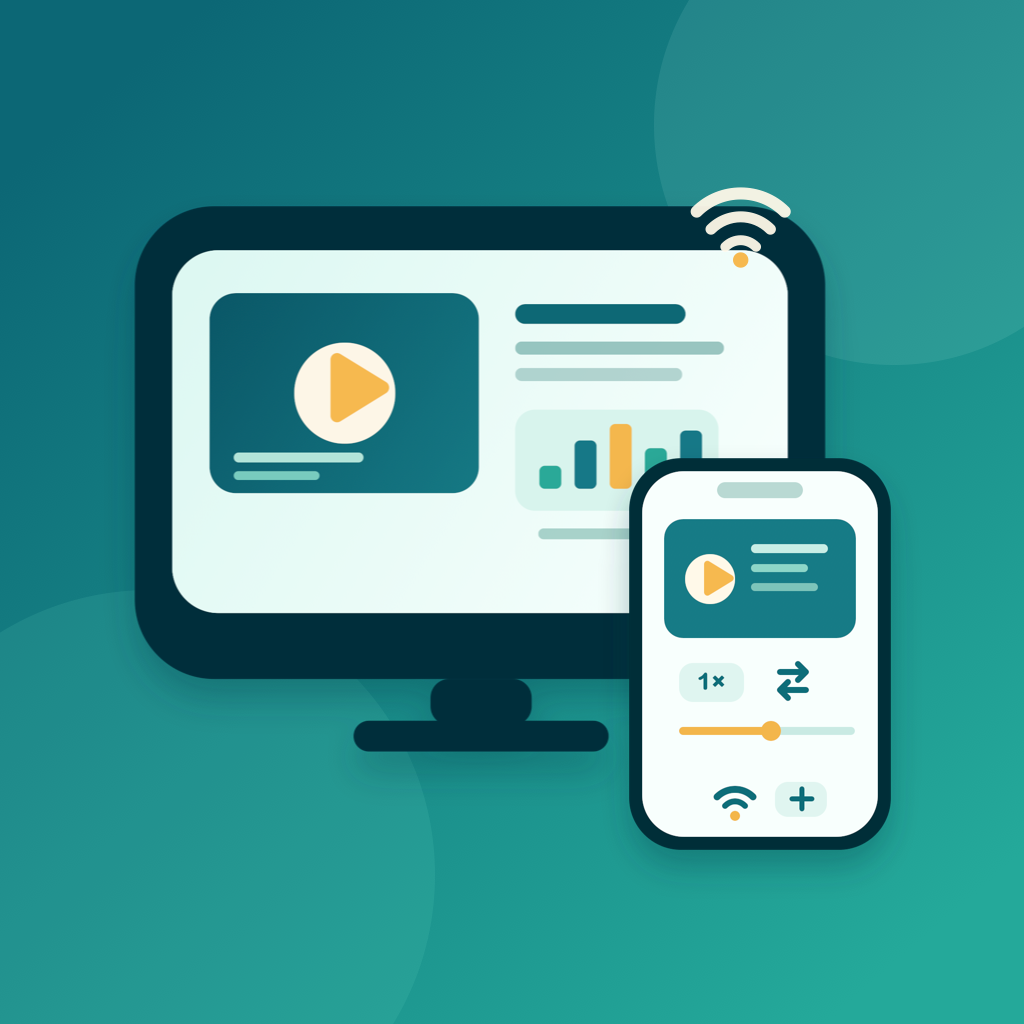
PresentCast is an iPhone and iPad app for playlist casting. Build ordered run sheets of PDFs, photos, and videos, then cast them in order to a TV, projector, or Apple TV over AirPlay, or to a compatible DLNA/UPnP receiver on the same Wi-Fi — or preview on the built-in Demo Display where your device acts as the screen. The free tier covers everyday playlist presenting; PresentCast Pro adds higher-quality output and workflow shortcuts. Local-first: no account, no ads, no tracking.
privacyfirstガイド
noaccountneededガイド
worksofflineガイド
PresentCast
- status
- statuslive
- App Store
- iPhone / iPad
- techstack
- AirPlay · DLNA · PDFKit · AVFoundation · StoreKit 2
atglanceガイド
Fig. 01A good talk deserves a real screen. Send it to the TV, and stand where everyone can see.
featuresガイド
No. 01wholepresentationpocketガイド
02
Cast over AirPlay or DLNA to TVs, projectors, and Apple TV
03
Presentation remote with live queue editing and loop
workflowガイド
No. 02minutebeforeyougostageガイド
-
01
importmaterialガイド
pdfhandoutsphotosdemovideosdropthemintoガイド
-
02
rehearseonceガイド
runpacingbuiltpreviewscreenfirstonlyconnectガイド
-
03
presentoverairplaydlnaガイド
castflippagesreorderqueuestaycontroloneガイド
trustprivacyガイド
No. 03handoutsdemosstayhandsガイド
privacyfirstガイド
localfirstnoaccountadstrackingdataneverガイド
noaccountneededガイド
nosignuplogininstallitjustworksガイド
worksofflineガイド
everythingcorerunsofflinenonetworkrequiredガイド
presentationmaterialoftenunreleasedcontentpresentcastmanagesplaylistsガイド
製品方針
No. 04wherethisappheadedmakersownhandガイド
importbuildガイド
addpdfsphotosvideosfilesarrangethemintoガイド
choosedisplayガイド
picktvprojectorappleairplayroutepickerdiscoverガイド
presentorderガイド
playlistplaystopbottomadvancepagesreorderqueueガイド
demodisplayガイド
noreceivernearbyletdeviceactasscreenガイド
概要 PresentCast
No. 5longerstorywhatitwhochoicesbehindガイド
最終更新:2026年9月2日
PresentCast は、プレイリストキャスト用の iPhone・iPad アプリです。PDF、写真、動画を順序立てたランシートとして、より大きな画面に提示できます。プレイリストを作成したら、AirPlay 経由で Apple TV や互換性のあるテレビ・プロジェクターへ、同じ Wi-Fi 上の互換 DLNA/UPnP スマートテレビやセットトップボックスへと順番にキャストします。あるいは内蔵のデモディスプレイでプレビューすることもでき、この場合あなたのデバイス自体が画面になります。無料プランで日常的なプレイリスト提示をまかなえ、PresentCast Pro はより高品質な出力とワークフローのショートカットを加えます。ローカルファースト:アカウント不要、広告なし、追跡なし。
できること
PDF 資料、写真、デモ動画をライブラリに取り込み、名前付きのプレイリスト(ランシート)として整理します。並べ替え、名前変更、複製ができ、ワンタップで開始できます。「順番に再生」はプレイリストを上から下へ再生し、PDF ページ、静止画、動画の間を自動で進みます。発表の途中で計画を変えたいですか?ライブキューエディタを使えば、提示中に任意の項目へジャンプしたり、ドラッグで並べ替えたりできます。ループをオンにするとプレイリストが終了後に自動で再開し、各写真の表示時間(3〜20秒)も設定できます。あなたのデバイスはリモコンになり、現在と次の項目のプレビュー、経過時間、ページと動画のスクラブ、音量、再生速度を備えます。ページ送りはすべてのディスプレイで機能します。DLNA レシーバーでは、速度、スクラブ、音量などの動画操作はレシーバーの対応状況に依存し、操作できない場合にはリモコンがその旨を通知します。手元にレシーバーがない場合は?アプリ内デモディスプレイで、デバイス自体をテレビに見立ててリハーサルでき、内蔵のサンプルプロジェクトが数秒で全体の流れを案内します。
基本的なワークフロー
- 読み込んで作成 — ファイルまたは写真から PDF、写真、動画を追加し、順序付きプレイリストに整理します。すべてデバイス上に残ります。
- ディスプレイを選ぶ — システムの AirPlay 経路ピッカーからテレビ、プロジェクター、Apple TV を選ぶ、同じ Wi-Fi 上の互換 DLNA/UPnP スマートテレビやセットトップボックスを検出する、または内蔵デモディスプレイを使います。
- 順番に提示 — プレイリストは上から下へ再生され、リモコンで操縦します。ページを進め、タイミングを調整し、動画を再生し、キューをライブで並べ替え、ランシート全体をループします。
- Pro へのアップグレード — 無制限の履歴とお気に入り、より広い速度範囲、スマートフィル、2K/4K・60 fps 出力、自動再接続されるディスプレイ記憶を解放します。
他との違い
PresentCast は一つの仕事に集中します。AirPlay と互換 DLNA/UPnP レシーバーを使い、プレイリストを大きな画面へ、整然と順番に再生することです。送信されるのは選択したコンテンツだけで、画面のミラーではありません。Chromecast と Miracast には非対応、音声のみのファイルやウェブページはプレイリスト項目にできず、PowerPoint や Keynote の資料はまず PDF に書き出す必要があります。アカウント作成も、クラウドアップロードも、分析もありません。ファイルはデバイス上に残り、アクティブなセッション中は、再生に必要な選択済みの提示メディアのみが、ローカルネットワーク経由で選択したレシーバーに提供されます。
プライバシーへのこだわり
PresentCast はローカルファーストです。アカウント不要、広告なし、分析・追跡 SDK なし、個人情報の収集なし。読み込んだファイル、プレイリスト、レンダーキャッシュ、設定はすべてデバイス上に残ります。App Store のプライバシー表示は「Data Not Collected」です。バイリンガル(英語と簡体字中国語)で、ライト/ダークの外観に対応します。
PresentCast Pro
無料プランには、デモディスプレイ・AirPlay・DLNA での順序付きプレイリスト提示、完全な提示リモコン、5 件の最近使ったファイルの履歴、3 件のお気に入り、0.75×〜1.5× の再生速度、Fit による最大 1080p / 30 fps の出力が含まれます。PresentCast Pro(アプリ内メンバーシップは Cast Pass という名称)は以下を解放します:
- 無制限の履歴とお気に入り — 最近開いたすべてのファイルを保持し、必要なだけ保存できます。
- 完全な速度範囲 — 0.1×〜4× で再生(DLNA レシーバーでは、そのレシーバーが対応する速度の範囲内)。
- スマートフィル — レターボックスの当て推量なしに、どんな画面アスペクト比にもフィットします。
- より高い出力 — 大画面の精細さのため、ページを最大 2K または 4K、最大 60 fps でキャストします。
- 最後のディスプレイを記憶・復元 — 前回使ったテレビに自動で再接続します。
月額($2.99)または年額($19.99)の自動更新サブスクリプション、または一括の買い切り($39.99)をお選びください。
ドキュメントとサポート
No. 6plainlanguagedocumentsnofineprintyouwouldガイド
よくある質問
Ordered playlists — run sheets of PDFs, photos, and videos. Build the order once, then cast the whole sheet in sequence to a TV, projector, or Apple TV over AirPlay, or to a DLNA/UPnP receiver on the same Wi-Fi.
Yes — that is the point of run sheets. Pages, photos, and videos auto-advance through the queue, and you can edit the queue live or set it to loop while presenting.
Use the built-in Demo Display: your iPhone or iPad becomes the screen. It is handy for rehearsing a run sheet on the train or presenting to one person across a table.
If the TV (or a stick/box attached to it) advertises DLNA/UPnP media rendering on the same Wi-Fi network, PresentCast can address it. AirPlay devices — Apple TV and many smart TVs — work through the native path.
The free tier covers everyday playlist presenting. PresentCast Pro adds higher-quality output and workflow shortcuts. No account, no ads, no tracking — local-first by design.