App
ViewMix
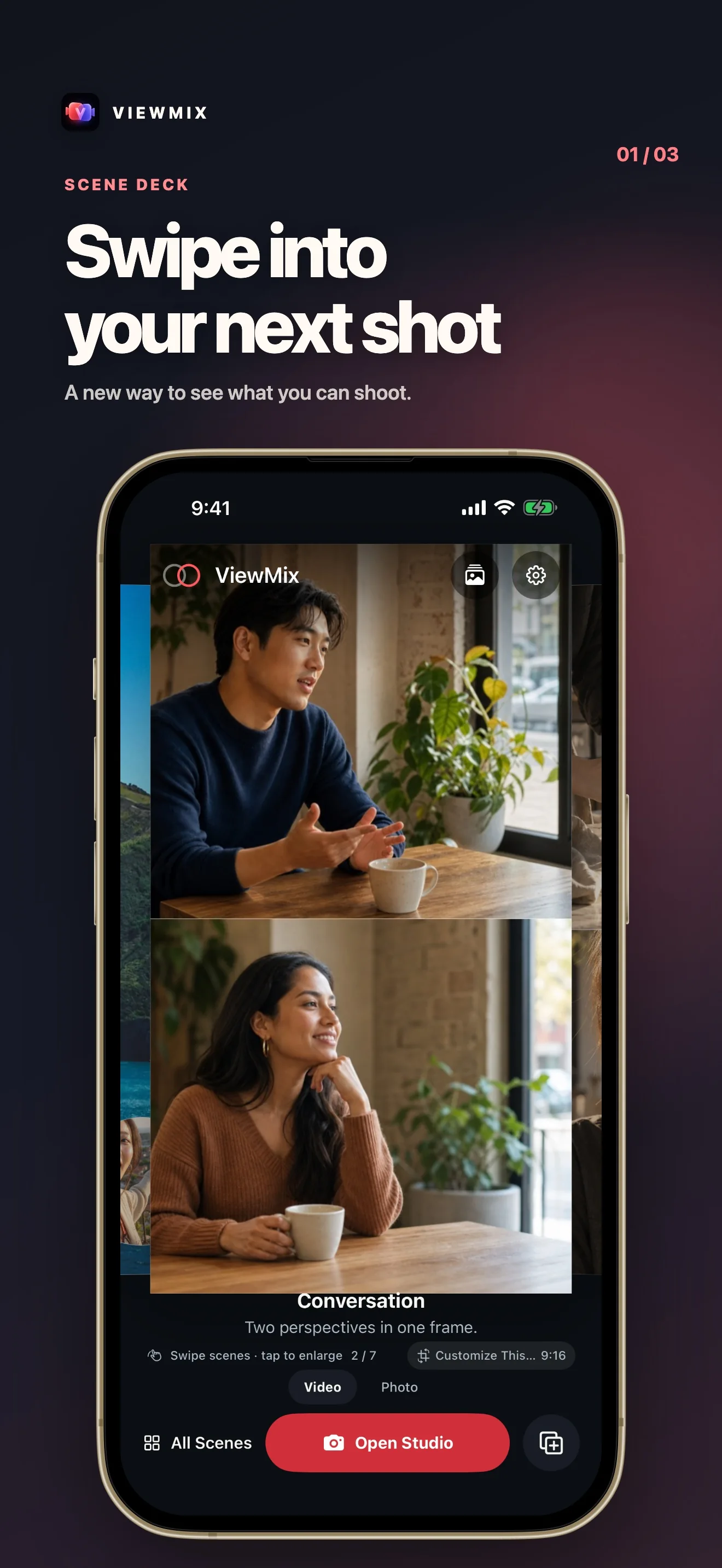
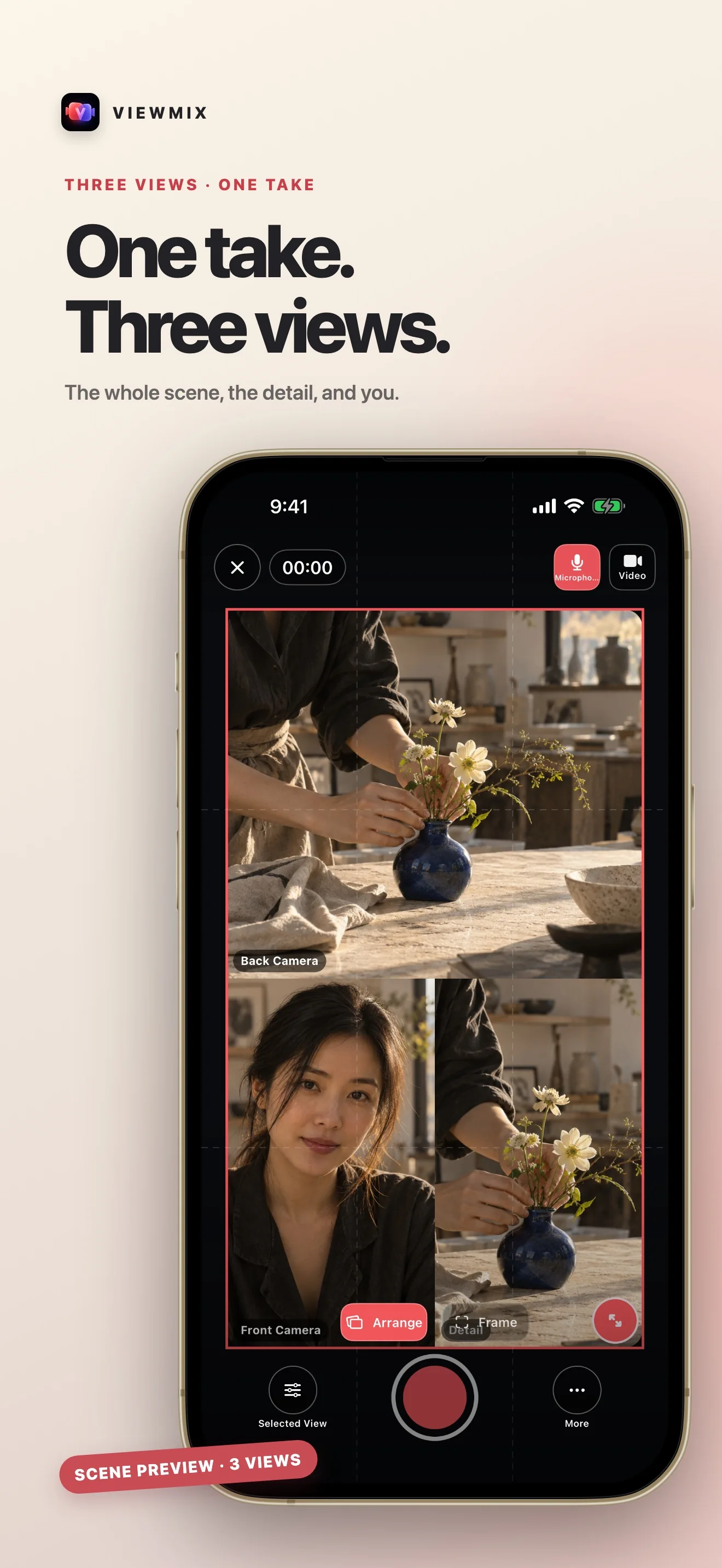
ViewMix is an iPhone app that records the front and back cameras at the same time. Capture both perspectives in one take, then choose the layout later — picture-in-picture, split screen, or a single view — without re-recording. Take synchronized dual-camera stills, edit the framing after the fact, and export one composited MP4 to Photos. The free tier covers everyday recording; ViewMix Pro unlocks every layout, removes the watermark, and enables up to 4K export. Local-first: no account, no ads, no tracking.
Local-first: no account, no ads, no tracking, no personal data collection.
Product Direction
Both Cameras at Once
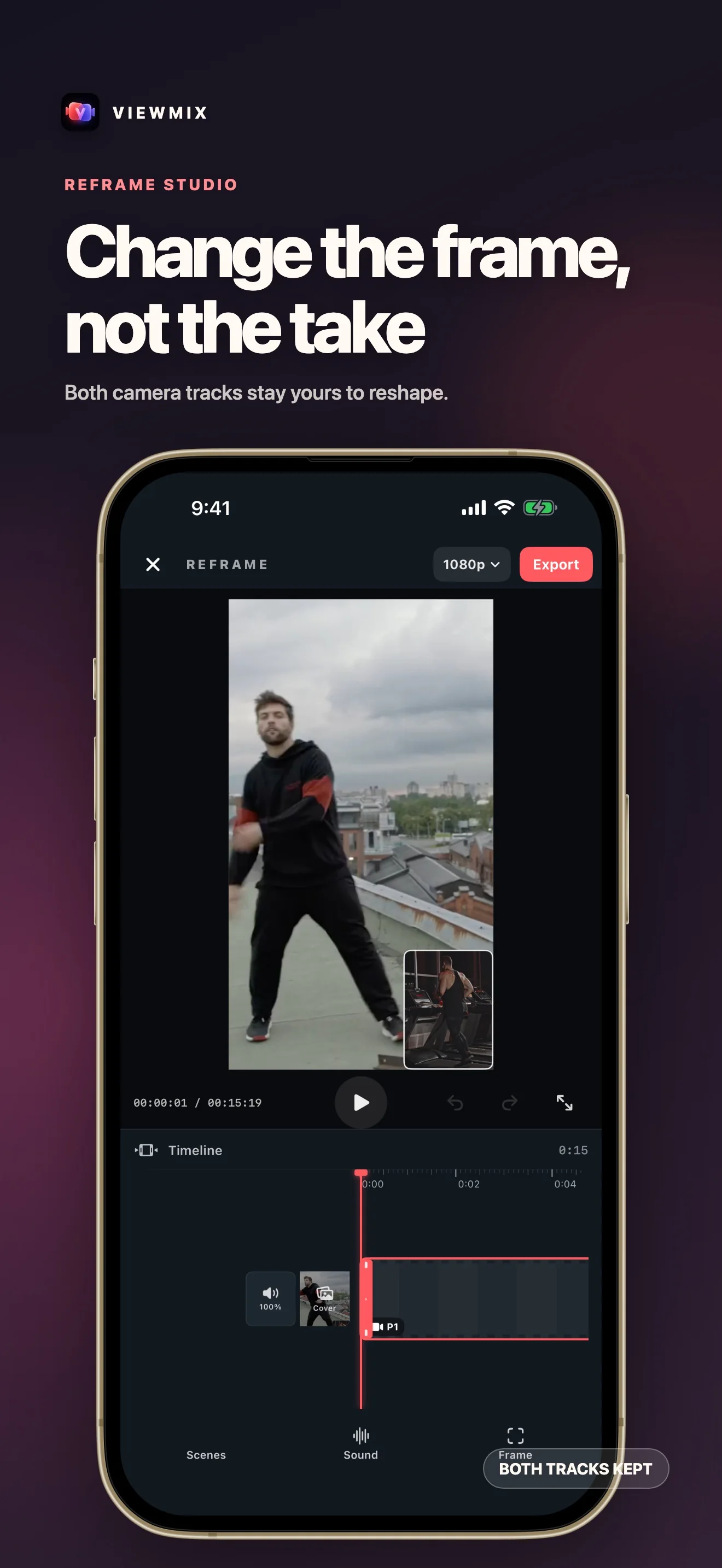
Record the front and back iPhone cameras simultaneously and keep both raw tracks.
Choose the Layout Later
Switch between picture-in-picture, split screen, and a single view at preview time — no re-recording.
Dual-Camera Photos
Capture synchronized front and back stills and reframe them anytime.
One-tap Export
Bake both views into a single MP4 and save to Photos. Pro unlocks every layout, 4K, and no watermark.
About ViewMix
ViewMix is an iPhone app that records the front and back cameras at the same time.
Last updated: 2026-07-17
ViewMix is an iPhone app that records the front and back cameras at the same time. Capture both perspectives in one take, then decide the layout afterward — picture-in-picture, split screen, or a single view — without re-recording. You can also grab synchronized dual-camera stills, reframe anything after the fact, and export one composited MP4 to Photos. The free tier covers everyday recording; ViewMix Pro unlocks every layout, removes the watermark, and enables up to 4K export.
What it does
Open the studio and ViewMix starts both cameras together on a supported iPhone. Record the scene and yourself at once — a reaction, an unboxing, a face-to-face chat, a travel moment. Both raw camera tracks are kept. When you stop, switch to the layout you actually want: a floating picture-in-picture window (drag it to any corner), a top/bottom or side-by-side split (drag the divider to rebalance), or a single full-frame view. Swap which camera leads without recording again. Take a dual photo the same way — two synchronized stills composed into one image. When it looks right, export a single MP4 straight to Photos.
Core flow
- Both cameras at once — front and back record simultaneously; both tracks are preserved.
- Choose the layout later — picture-in-picture, split screen, or a single view, applied at preview time.
- Dual-camera photos — synchronized front and back stills, reframable anytime.
- On-device — recording, compositing, and exporting all happen locally.
- One-tap export — bake both views into a single MP4 and save to Photos.
What's different
Most camera apps bake the layout into the recording itself — change your mind and you reshoot. ViewMix records clean, separate camera tracks and applies the layout at preview time, so you can decide framing after you've already captured the moment. The final pixels are composited once, when you export.
Built for privacy
ViewMix is local-first: no account, no ads, no analytics or tracking SDKs, and no personal data collection. Projects, camera tracks, photos, and settings stay on your device, and exported videos are saved to your own Photos library. It supports English and Simplified Chinese and light/dark appearance.
ViewMix Pro
The free tier records both cameras, supports the everyday layouts, and exports up to 1080p with a small ViewMix watermark. ViewMix Pro unlocks:
- Every layout — all picture-in-picture and split-screen options.
- Up to 4K export — higher resolution for sharper output.
- No watermark — clean, brand-ready videos.
Available as an optional monthly or annual auto-renewing subscription, or a one-time lifetime purchase.