Apple Platform App · iPhone
Both sides of the moment.
ViewMix
ViewMix is an iPhone app that records the front and back cameras at the same time. Capture both perspectives in one take, then choose the layout later — picture-in-picture, split screen, or a single view — without re-recording. Take synchronized dual-camera stills, reframe after the fact, and export one composited MP4 to Photos. The free tier includes every layout, scene selection (trim, split, delete), framing and sound controls, and watermark-free 1080p export (1080p by default); ViewMix Pro adds precision framing (exact PiP size and position, split ratio, close-up zoom), PiP appearance styles, layout keyframes, and 2K/4K export with 60 fps, HDR, and high bitrate. Local-first: no account, no ads, no tracking.
ViewMix
- Status
- Coming Soon
- App Store
- iPhone
- Tech Stack
- Dual Camera · AVCaptureMultiCamSession · Video · On-device Privacy
At a glance
Fig. 01Every moment has two true angles — the stage and the audience. Record them once, choose later.
Features
No. 01Record without choosing an angle.
Choose the layout later (PiP, split, single)
Synchronized dual-camera photos
Workflow
No. 02The creating happens after the take.
-
01
Record both cameras
Press record and front and rear cameras work at once. Just be in the moment; both sides are kept.
-
02
Compose afterwards
Review the footage and adjust layout — picture-in-picture here, split screen there.
-
03
Export and share
Export the composited MP4 to your library in one tap. The free tier includes all layouts, trim and split, and sound controls.
Trust & Privacy
No. 03Both sides of the record stay on device.
Privacy-first
Local-first: no account, no ads, no tracking — data never leaves the device.
No account needed
No sign-up, no login. Install it and it just works.
Works offline
Everything core runs offline; no network required.
Dual-camera footage is just as personal. ViewMix composites and exports on device — no cloud album, no servers in between.
Product Direction
No. 04Where this app is headed, in the maker’s own hand.
Both Cameras at Once
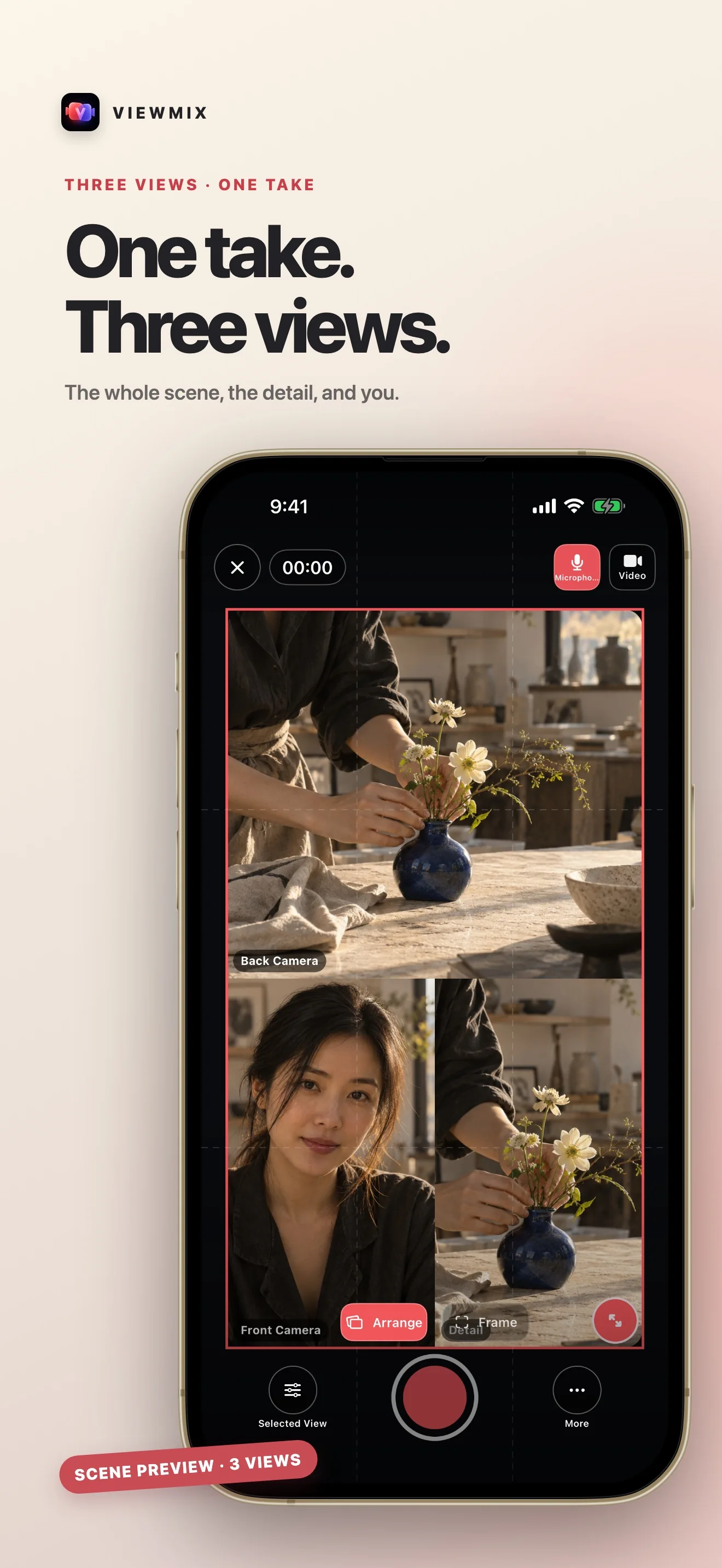
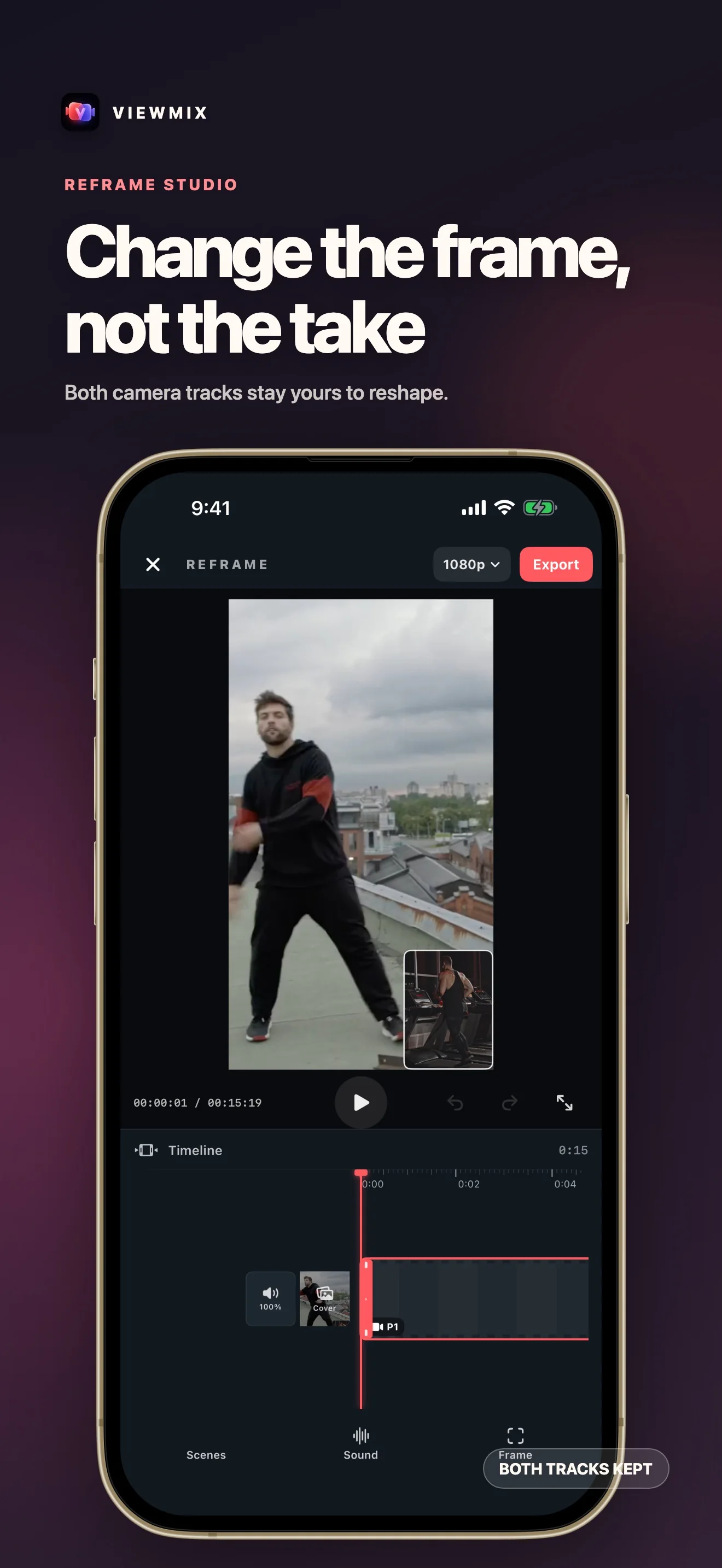
Record the front and back iPhone cameras simultaneously and keep both raw tracks.
Choose the Layout Later
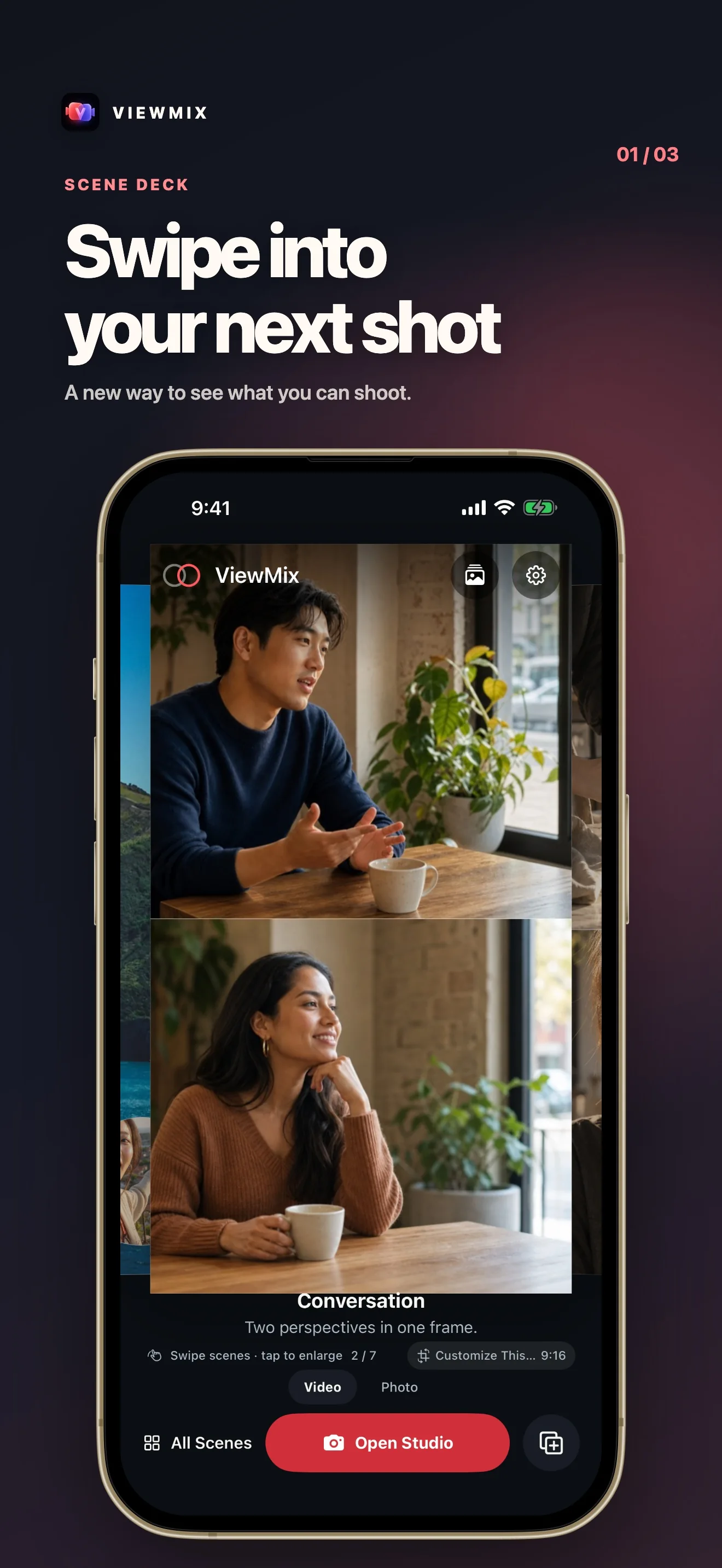
Switch between picture-in-picture, split screen, and a single view at preview time — no re-recording.
Dual-Camera Photos
Capture synchronized front and back stills and reframe them anytime.
One-tap Export
Bake both views into a single MP4 and save to Photos. Every export is watermark-free; Pro adds precision framing and export up to 4K.
About ViewMix
No. 5The longer story — what it is, who it is for, and the choices behind it.
Last updated: 2026-08-31
ViewMix is an iPhone app that records the front and back cameras at the same time. Capture both perspectives in one take, then decide the layout afterward — picture-in-picture, split screen, or a single view — without re-recording. You can also grab synchronized dual-camera stills, reframe anything after the fact, and export one composited MP4 to Photos. The free tier covers everyday recording, scene selection, framing, and sound; ViewMix Pro adds precision framing, window appearance styles, layout keyframes, and high-resolution export.
What it does
Open the studio and ViewMix starts both cameras together on a supported iPhone. Record the scene and yourself at once — a reaction, an unboxing, a face-to-face chat, a travel moment. Both raw camera tracks are kept. When you stop, switch to the layout you actually want: a floating picture-in-picture window (drag it to any corner), a top/bottom or side-by-side split (drag the divider to rebalance), or a single full-frame view. Swap which camera leads without recording again. Take a dual photo the same way — two synchronized stills composed into one image. When it looks right, export a single MP4 straight to Photos.
Core flow
- Both cameras at once — front and back record simultaneously; both tracks are preserved.
- Choose the layout later — picture-in-picture, split screen, or a single view, applied at preview time.
- Dual-camera photos — synchronized front and back stills, reframable anytime.
- On-device — recording, compositing, and exporting all happen locally.
- One-tap export — bake both views into a single MP4 and save to Photos.
What's different
Most camera apps bake the layout into the recording itself — change your mind and you reshoot. ViewMix records clean, separate camera tracks and applies the layout at preview time, so you can decide framing after you've already captured the moment. The final pixels are composited once, when you export.
Built for privacy
ViewMix is local-first: no account, no ads, no analytics or tracking SDKs, and no personal data collection. Projects, camera tracks, photos, and settings stay on your device, and exported videos are saved to your own Photos library. It supports English and Simplified Chinese and light/dark appearance.
ViewMix Pro
The free tier records both cameras, includes every layout, covers scene selection (trim, split, delete), full framing (canvas crop, window placement), and sound (volume, microphone level), and exports a watermark-free 1080p MP4 (1080p is the included default; 720p is also free). ViewMix Pro unlocks:
- Precision framing — exact picture-in-picture size and position, split ratio, and close-up zoom.
- Window appearance styles — borders, corner shapes, and colors for the floating picture-in-picture window.
- Layout keyframes — animate framing over time.
- High-resolution export — 2K and 4K, plus 60 fps, HDR, and high bitrate, all watermark-free.
Available as an optional monthly or annual auto-renewing subscription, or a one-time lifetime purchase.
Docs & Support
No. 6Plain-language documents. No fine print you would be surprised by.
Next moment: keep both sides.
ViewMix
In development — follow progress on the product page.