
Last Updated: 2026-09-02
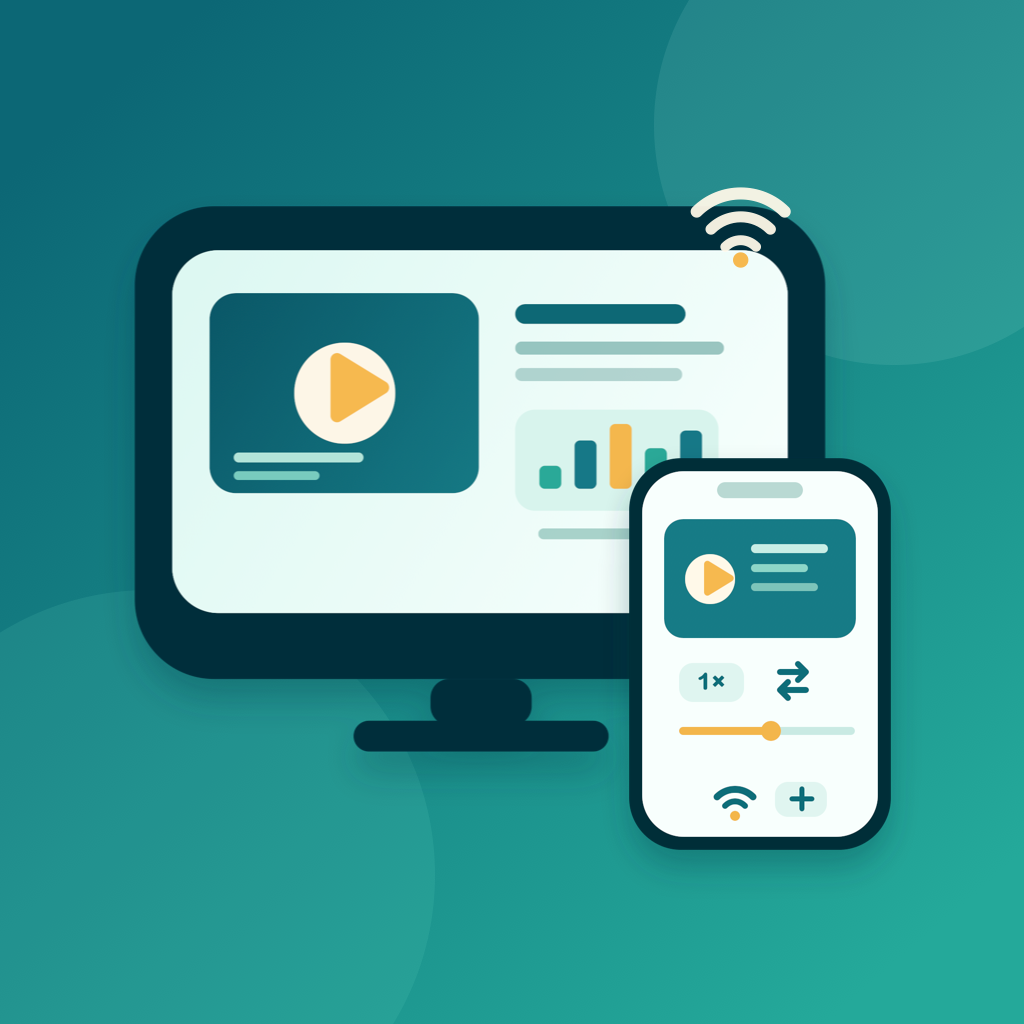
PresentCast is an iPhone and iPad app for playlist casting — presenting an ordered run sheet of PDFs, photos, and videos on a bigger screen. Build a playlist, then cast it in order over AirPlay to an Apple TV or a compatible TV or projector, or to a compatible DLNA/UPnP smart TV or set-top box on the same Wi-Fi — or preview on the built-in Demo Display where your device acts as the screen. The free tier covers everyday playlist presenting; PresentCast Pro adds higher-quality output and workflow shortcuts. It is local-first: no account, no ads, no tracking.
What it does
Bring PDF decks, photos, and demo videos into the library, then arrange them into named playlists (run sheets) — reorder, rename, and duplicate them, and start one with a tap. Present in Order plays the playlist top to bottom, auto-advancing across PDF pages, still images, and videos. Need to change the plan mid-talk? The live queue editor lets you jump to any item or drag to reorder while presenting. Turn on Loop to restart the playlist automatically, and set how long each photo stays on screen (3–20 seconds). Your device becomes the presentation remote, with current and next preview, an elapsed clock, page and video scrubbing, volume, and playback speed. Page navigation works on every display; on DLNA receivers, video controls such as speed, scrubbing, and volume depend on what the receiver supports, and the remote tells you when a control is unavailable. No receiver on hand? The in-app Demo Display lets you rehearse by treating your device itself as the TV, and a built-in sample project walks through the whole flow in seconds.
Core workflow
- Import and build — add PDFs, photos, or videos from Files or Photos, then arrange them into an ordered playlist. Everything stays on your device.
- Choose a display — pick a TV, projector, or Apple TV from the system AirPlay route picker, discover a compatible DLNA/UPnP smart TV or set-top box on the same Wi-Fi, or use the built-in Demo Display.
- Present in order — the playlist plays top to bottom while you drive it from the remote: advance pages, adjust timing, play video, reorder the queue live, or loop the whole run sheet.
- Pro upgrades — unlock unlimited history and favorites, a wider speed range, Smart Fill, 2K/4K and 60 fps output, and a remembered display that reconnects automatically.
Why it's different
PresentCast focuses on one job — playing your playlist on the big screen, cleanly and in order — using AirPlay and compatible DLNA/UPnP receivers. It sends only the content you selected, not a mirror of your screen. Chromecast and Miracast are not supported, audio-only files and web pages cannot be playlist items, and PowerPoint or Keynote decks should be exported to PDF first. There is no account to create, no cloud upload, and no analytics. Your files stay on your device; during an active session, only the selected presentation media needed for playback is made available, over the local network, to the receiver you choose.
Built for privacy
PresentCast is local-first: no account, no ads, no analytics or tracking SDKs, and no collection of personal information. Imported files, playlists, render cache, and preferences stay on your device. The App Store privacy label is "Data Not Collected." It is bilingual (English and Simplified Chinese) and works in light and dark appearance.
PresentCast Pro
The free tier includes ordered playlist presenting on the Demo Display, AirPlay, and DLNA, the full presentation remote, a recent-files history of 5 items, 3 favorites, playback speeds from 0.75× to 1.5×, and output up to 1080p at 30 fps with Fit. PresentCast Pro (the in-app membership is called Cast Pass) unlocks:
- Unlimited history and favorites — keep every file you opened recently and save as many as you need.
- Full speed range — play at 0.1× to 4× (on DLNA receivers, within the speeds the receiver supports).
- Smart Fill — fit any screen aspect ratio without letterboxing guesswork.
- Higher output — cast pages in up to 2K or 4K at up to 60 fps for sharper big-screen detail.
- Remember and restore the last display — reconnect to the TV you used last, automatically.
Choose a Monthly ($2.99) or Yearly ($19.99) auto-renewable subscription, or a one-time Lifetime ($39.99) purchase.