Under the Hood of Codex: How OpenAI Engineered an AI to Physically Drive Your Mac
When OpenAI released Codex for (almost) everything, the tech world took notice. AI has been writing code and drafting emails for years, but the claim that Codex can now operate macOS — “by seeing, clicking, and typing with its own cursor” — represents a fundamentally different capability.
Bridging the gap between a cloud-based language model and a local operating system is notoriously difficult. For decades, automation relied on brittle Application Programming Interfaces (APIs) or DOM-scraping scripts that break the moment a UI element changes.
The core engineering insight: Codex has abandoned code-level integration in favor of pixel-level execution. By combining multimodal vision with low-level kernel event injection, OpenAI has turned the Graphical User Interface (GUI) into a universal API.
Here is the technical architecture that makes this possible.
The Architecture of a Mac-Native Agent
For an AI to test an application or iterate on a frontend design without human intervention, it needs a continuous Perceive-Reason-Act loop. Here is how Codex likely implements each stage on macOS.
1. Perception: Semantic Vision and the Grounding Engine
Traditional automation tools like AppleScript read the UI accessibility tree. This approach is fast but fails on custom Electron apps, web canvases, or games where UI elements lack proper accessibility tags.
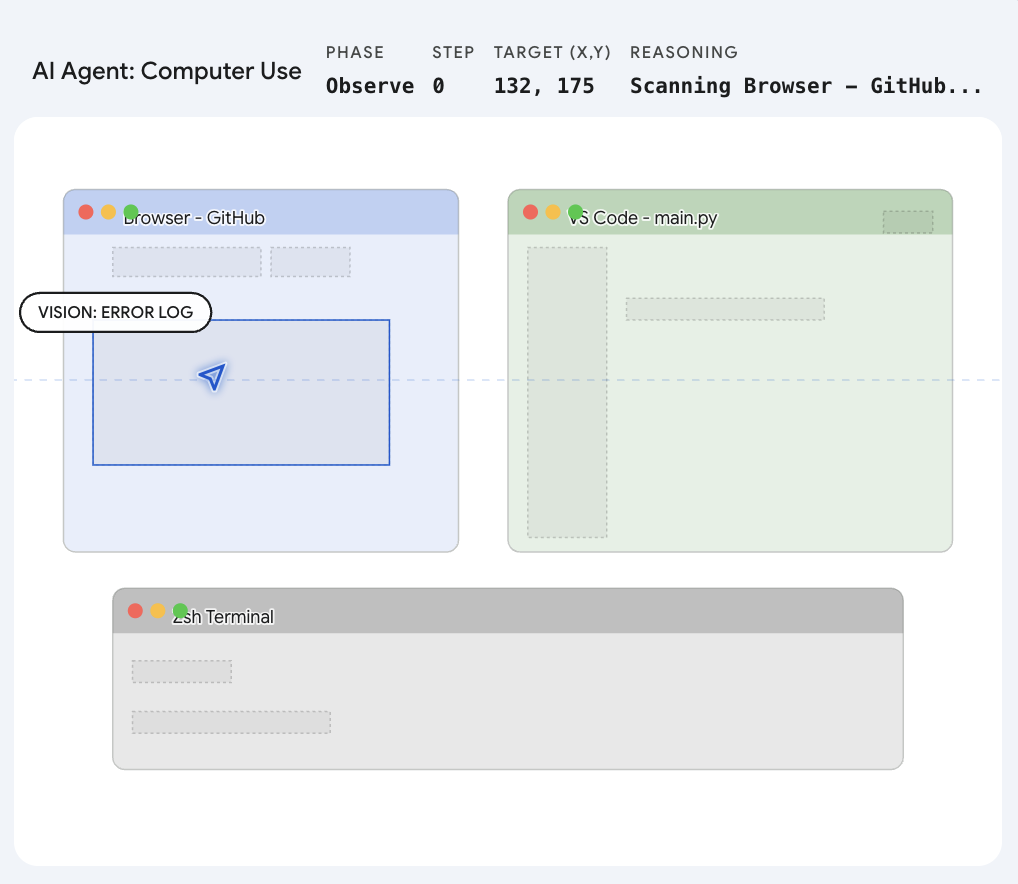
OpenAI states that Codex uses apps by “seeing” them, which means it relies on Computer Vision. The host application running on the Mac takes high-frequency frame grabs of the desktop. A multimodal model then parses these frames using semantic segmentation — it does not look for HTML tags but visually recognizes the shape and context of interface elements like buttons, search bars, and menus.
The key engineering challenge here is Grounding. Once the AI identifies a target, it runs a calculation to map the semantic object to precise pixel coordinates on the screen. It translates “click the close button” into exact (x, y) positions, adjusting for the specific display resolution and scaling factor.
| Stage | What Happens | Technology |
|---|---|---|
| Frame Capture | High-frequency screenshots of the desktop | Host application |
| Semantic Parsing | Identify UI elements by visual appearance, not code | Multimodal vision model |
| Grounding | Map semantic targets to pixel coordinates | Coordinate regression model |
| Action Dispatch | Inject synthesized input events into the OS | System framework hooks |
2. Action: Injecting OS-Level Events
Knowing where to click is only useful if the software can actually trigger the action. Codex bypasses physical hardware entirely.
To interact with macOS at a native level, Codex almost certainly taps into Apple’s deepest system frameworks: Quartz Event Services and the Accessibility API.
When Codex decides to click, it synthesizes a virtual CGEvent — a mouseDown followed by a mouseUp — and injects it directly into the macOS system event queue. From the operating system’s perspective, this synthetic event is indistinguishable from a physical trackpad press. This is why Codex can operate any application: if a human can click it, Codex can click it.
3. Isolation: The “Ghost Cursor” Mechanics
Perhaps the most technically ambitious claim is that Codex runs “in the background without taking over your computer.” Anyone who has used a macro recorder knows that traditional automation hijacks the mouse cursor entirely.
To achieve concurrent execution, the system must isolate the AI’s inputs from the user’s physical inputs. There are two likely implementation approaches:
| Approach | How It Works | Trade-off |
|---|---|---|
| Targeted Window Routing | macOS allows sending events to specific Process Identifiers (PIDs). Codex routes synthesized clicks directly to the target application’s event loop, bypassing the global hardware cursor. | Lower overhead; requires precise window targeting. |
| Virtual Framebuffers | The system spins up a headless virtual desktop layer. Codex “sees” and operates within this invisible workspace while the user continues working in the primary workspace undisturbed. | Higher memory usage; stronger isolation guarantees. |
The virtual framebuffer approach aligns with the mechanics observed when Anthropic released their own Computer Use capability, suggesting this may be emerging as an industry-standard pattern for desktop AI agents.
The Outlook: A Post-API World
The downstream impact extends well beyond the technical implementation. By solving the vision-to-action pipeline at the OS level, OpenAI has made traditional APIs optional. We are entering the era of the Large Action Model (LAM).
Consider the practical implications:
- Legacy Software Integration: Enterprise tools from 2008 with no API? Codex does not need one. It opens the application, navigates the interface, copies data, and pastes it into a modern dashboard.
- Platform Restrictions: Platforms that limit developer access through aggressive API rate limiting? Codex opens the web browser and drives the interface directly, just as a human user would.
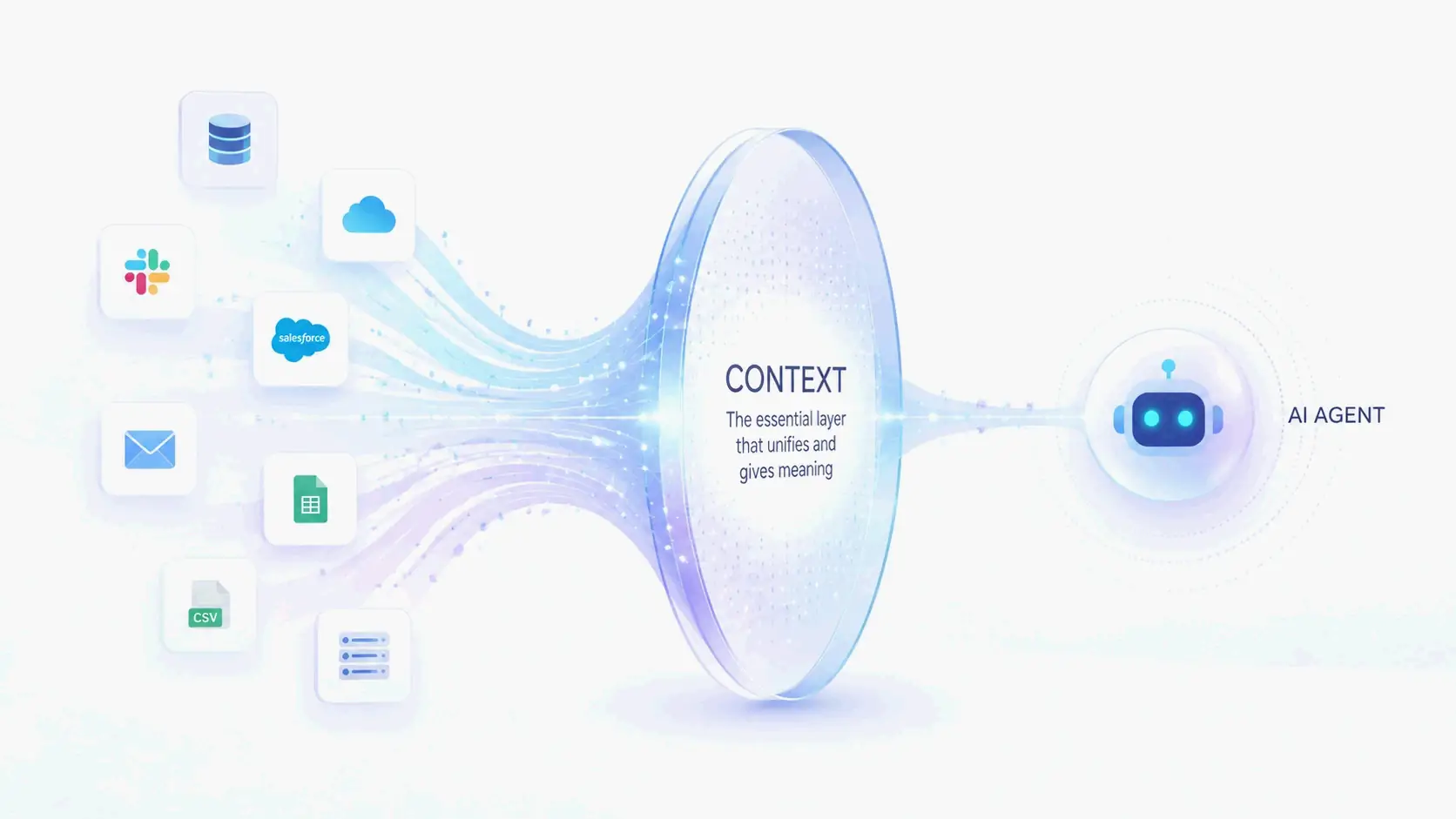
- Cross-Application Workflows: Tasks that previously required custom middleware between disconnected applications can now be orchestrated through a single natural-language instruction.
The software industry has spent decades building bridges between applications. With Codex mastering the macOS GUI, the applications no longer need to talk to each other. The AI uses them on our behalf.
FAQ
How does Codex “see” the screen on macOS?
Codex uses a host application that captures high-frequency screenshots of the desktop. A multimodal vision model then performs semantic segmentation on these frames, identifying UI elements like buttons, menus, and text fields based on their visual appearance rather than underlying code or accessibility tags.
What macOS frameworks does Codex use to simulate clicks and keystrokes?
Codex likely interfaces with Apple’s Quartz Event Services and the Accessibility API. It synthesizes virtual CGEvents (such as mouseDown and mouseUp) and injects them into the macOS system event queue, making these inputs indistinguishable from physical hardware events.
How can Codex operate in the background without hijacking the cursor?
The system probably uses either targeted window routing — sending events directly to specific Process Identifiers (PIDs) — or virtual framebuffers, which create an invisible desktop workspace where the AI operates independently while the user’s physical cursor remains unaffected.
What is a Large Action Model (LAM) and how does it differ from an LLM?
A Large Action Model extends the capabilities of a Large Language Model from text generation to real-world task execution. While an LLM generates responses, a LAM perceives its environment through vision, reasons about what actions to take, and executes those actions through system-level input injection. Codex represents a practical implementation of the LAM concept.