
App · iOS · iPadOS
HanziStroke
HanziStroke teaches Chinese characters with stroke-order animations, pinyin, radicals, vocabulary and custom practice sets. Basic reference and one practice set are free; Premium unlocks tracing, demo-then-practice and more collections.

HanziStroke
- Status
- Live
- App Store
- iOS / iPadOS
- Tech Stack
- —
In the app
Fig. 02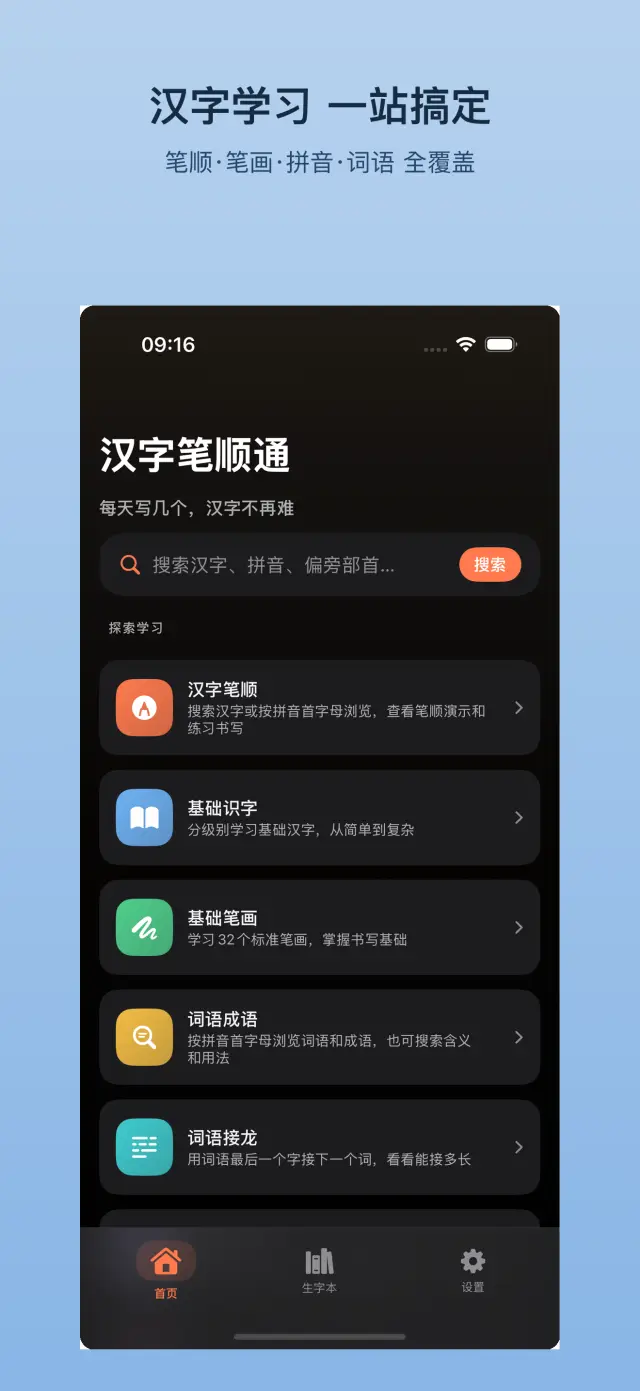
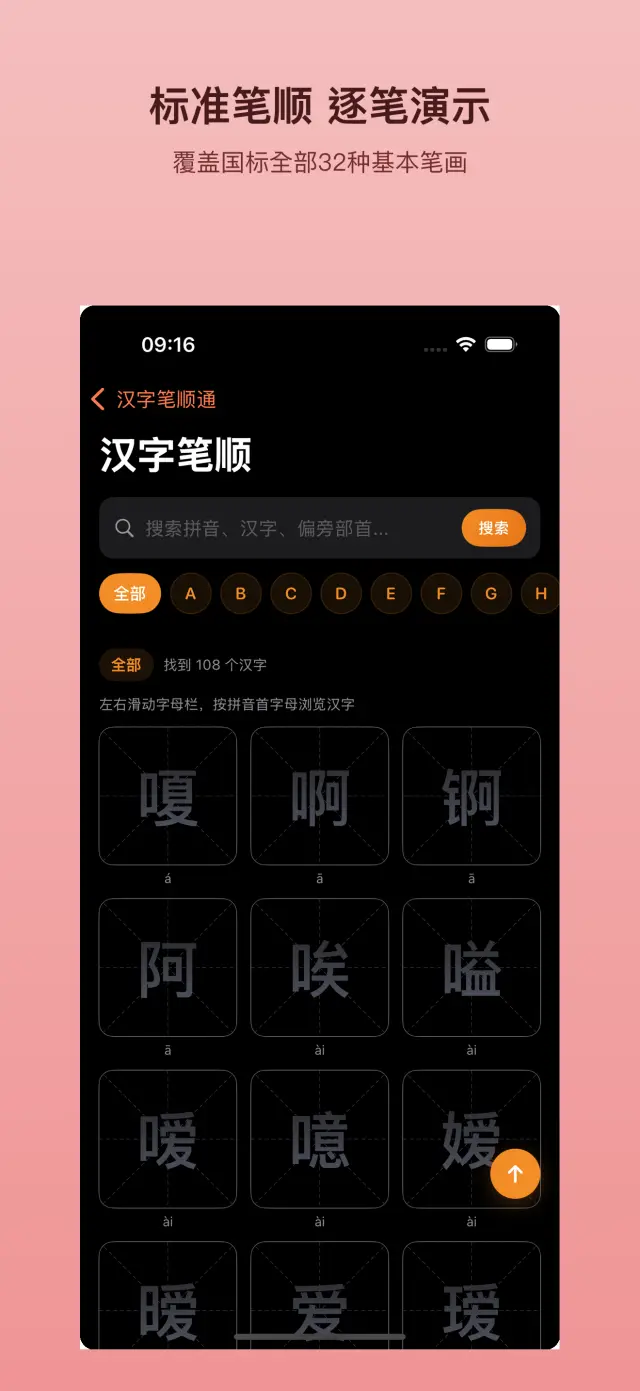
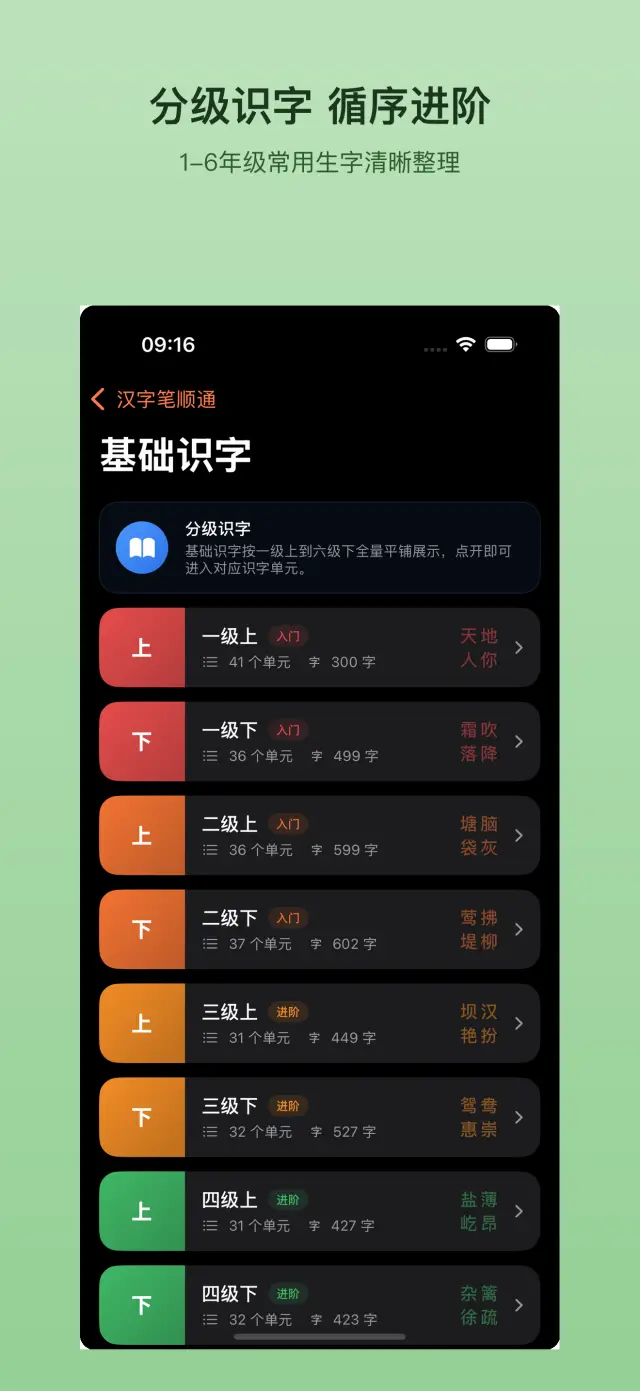
Product guide
When to use it
Watch the order of a character's strokes before practicing it, then use feedback to correct the next attempt.
A practical workflow
- Find a character in a lesson list or your own practice set.
- Watch the stroke animation and review pronunciation and radical information.
- Use Premium tracing or demo-then-practice mode to check stroke order, direction and trajectory.
Limits to check
Correct tracing is one part of learning to write and does not prove general language proficiency. The listing offers monthly, yearly and lifetime Premium options; confirm renewal terms before purchasing.
Storage and connections
The developer describes offline learning without ads or social interaction, and an arithmetic parent gate for purchases and external links.
Sources and product facts
Open the product source · US- App Store name
- Hanzi Stroke: Chinese Write
- Listed developer
- 雷 陈
- Listed version
- 1.3
- Minimum iOS
- iOS 15.0+
- Source checked
- 2026-10-11
- App languages
- English, Chinese
Check the App Store for current purchases, subscriptions and regional availability.
Based on the linked product information, not a hands-on review or an independent privacy audit. Store terms and compatibility can change.
Docs & Support
No. 6Plain-language documents. No fine print you would be surprised by.
iOS and Mac applications built by ZelonAI for productivity, privacy, and hands-on AI learning.