
01
iOS App · iOS
Hear the cool in the wind.
FeelTemp
FeelTemp is an audio-first ambient cooling experience built on layered wind sounds. It surrounds you with a continuous, layered breeze of cooling wind — breeze, cold, ice, and storm — crafted and built right into the app, with adjustable intensity, a sleep timer, background and lock-screen playback, custom themes, and a one-time lifetime unlock. No ads, no tracking.
Privacy-first
No account needed
Works offline

FeelTemp
- Status
- Live
- App Store
- iOS
- Tech Stack
- SwiftUI · AVAudioEngine · StoreKit 2
At a glance
Fig. 01Cooling is not only felt on skin — the ear believes a breeze before the body does.
In the app
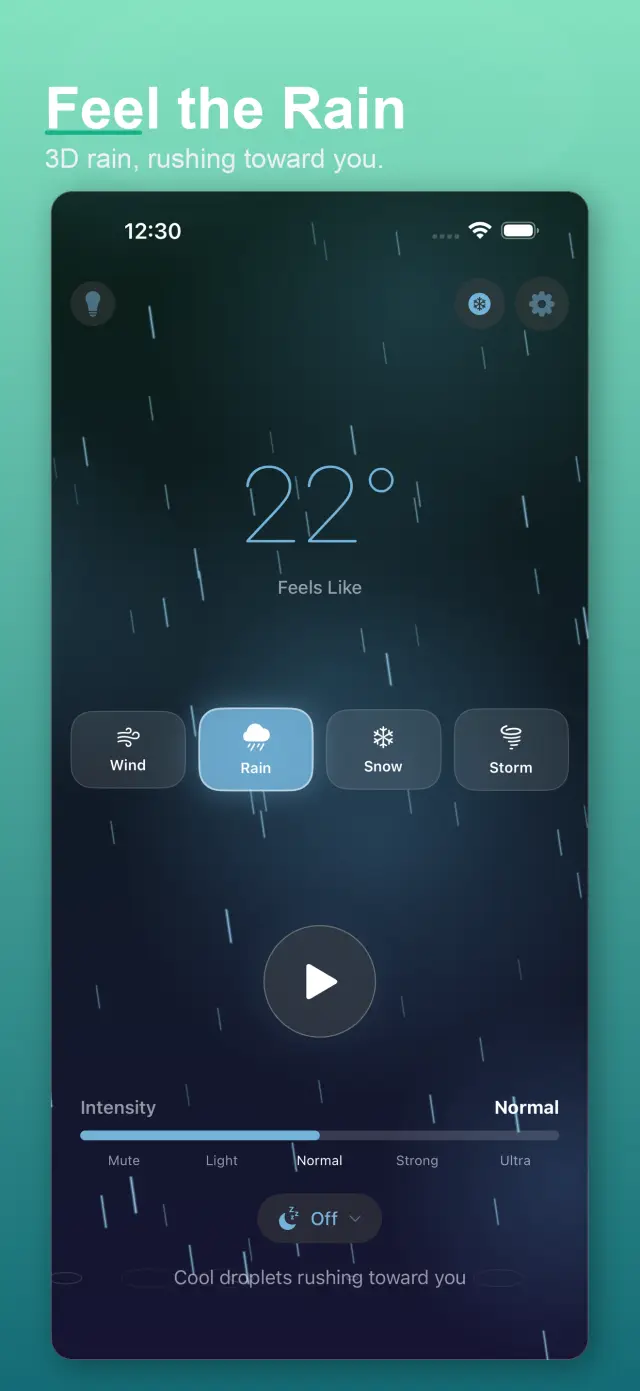
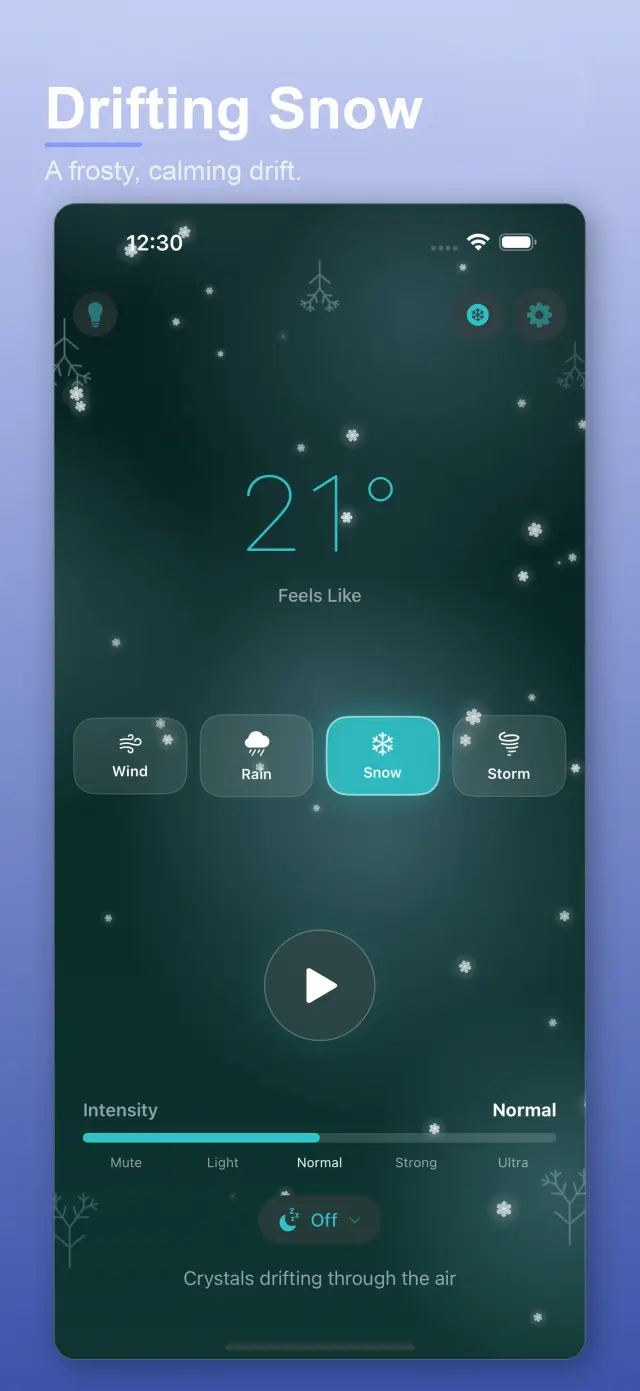
Fig. 02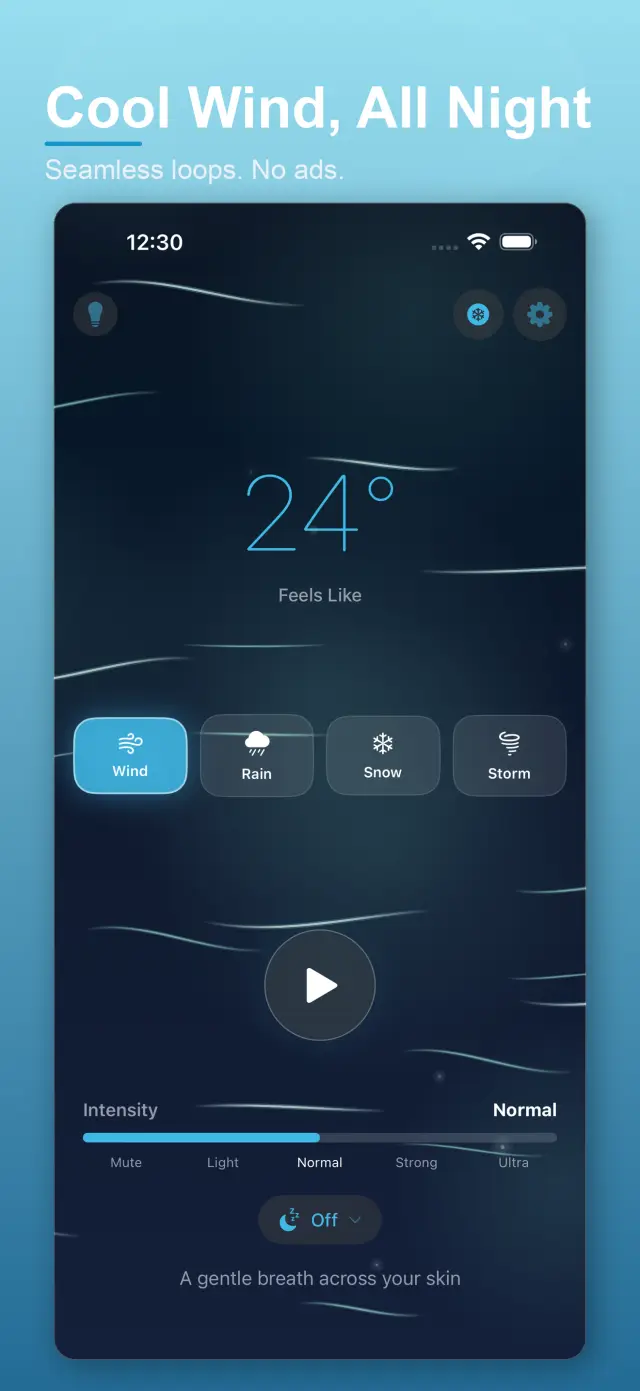
Features
No. 01Four layers of wind, one cool breath.
02
Adjustable intensity, sleep timer, and background playback
03
Custom cooling themes and one-time lifetime unlock
Specifications
Tab. 01At a glance
- Platforms
- iPhone
- Sound beds
- Breeze · cold · ice · storm, layered & adjustable
- Extras
- Sleep timer, offline playback
- Pricing
- Free core · single one-time lifetime unlock, no subscription
Scenes
No. 02Wherever it’s hot, listen.
-
01
On the commute
A burst of cold wind in your ears; the subway heat takes half a step back.
-
02
In focus
A breeze under the keyboard noise; attention settles on the work at hand.
-
03
Before sleep
Lower the intensity, set a 45-minute timer — the wind stays with you to the edge of sleep.
Trust & Privacy
No. 03A breeze, with no strings attached.
Privacy-first
Local-first: no account, no ads, no tracking — data never leaves the device.
No account needed
No sign-up, no login. Install it and it just works.
Works offline
Everything core runs offline; no network required.
One-time lifetime unlock: no subscription, no monthly-charge burden to remember. On the App Store.
Product Direction
No. 04Where this app is headed, in the maker’s own hand.
Layered Wind
Continuous breeze, cold, ice, and storm textures crafted and built in.
Cooling Control
Dial intensity, set a sleep timer, and play in the background or lock screen.
One-time Unlock
Custom cooling themes and a single lifetime purchase — no subscriptions.
About FeelTemp
No. 5The longer story — what it is, who it is for, and the choices behind it.
Last Updated: 2026-06-27
FeelTemp is an audio-first ambient cooling experience. It surrounds you with a continuous, layered breeze of cooling wind — in your ears, and in your mind — to help you feel cooler, calmer, and more focused.
What FeelTemp does
- Plays layered wind sound (breeze, cold, ice, and storm textures) crafted and built right into the app
- Lets you dial intensity from a light breath to a sweeping gale
- Offers a sleep timer for all-night, hands-free cooling
- Plays in the background and from the lock screen via Now Playing controls
- Adapts to light, dark, or system appearance, with custom cooling themes
What FeelTemp does not do
- No accounts, no sign-in
- No ads, no analytics, no tracking
- Nothing streamed or downloaded at runtime — everything is built in
- No personal data collected or uploaded
Designed to be small and beautiful
FeelTemp is intentionally small. There is nothing to stream or download, no clutter, and no noise beyond the cool kind. The app stays light and your privacy stays intact.
One-time unlock
A single lifetime purchase unlocks every cooling mode, the premium visuals, custom themes, and storm-strength intensity. No subscriptions, no recurring fees — ever. You can restore your purchase at any time.
Docs & Support
No. 6Plain-language documents. No fine print you would be surprised by.
Frequently Asked Questions
The ear is surprisingly honest about weather. A continuous, layered breeze plays on the same attention that a fan or an open window does — many listeners report feeling cooler, calmer, and more focused, which is exactly what the app is tuned for.
Four built-in palettes: breeze, cold, ice, and storm — crafted and mixed in-app rather than looped from a short sample. Stack them, dial the intensity, and the wind stays continuous instead of breathing in and out on a loop seam.
Yes — background and lock-screen playback are built in, so the breeze keeps running while you read, work, or drift off. A sleep timer can fade it out after you have fallen asleep.
No. Beyond the free core there is a single one-time lifetime unlock — pay once, own the themes and features forever. No monthly breeze bill.
Wind is the sound of air moving past you — the same physics as a fan, an open car window, the sea. That kinship is what gives it cooling power: rain sounds wet, but wind feels moving.