7 Best Speed Player iOS Apps in 2026: Control Playback Like a Pro
The top Speed Player iOS options in 2026 include VLC for Mobile for its universal format support, KMPlayer for high-quality 4K UHD control, and Music Speed Changer for independent pitch adjustment. Whether you need 0.1x slow-motion or 4.0x fast-forward, these apps deliver reliable performance for iPhone and iPad users.
How to Choose the Best Speed Player iOS App: Evaluation Criteria
Selecting a quality media player in 2026 involves more than checking for a play button. The most effective playback speed control tools handle modern high-bitrate files without lag and offer a wide speed range — ideally from 0.1x for frame-by-frame analysis to 4.0x for rapid content review — while keeping audio synchronized.
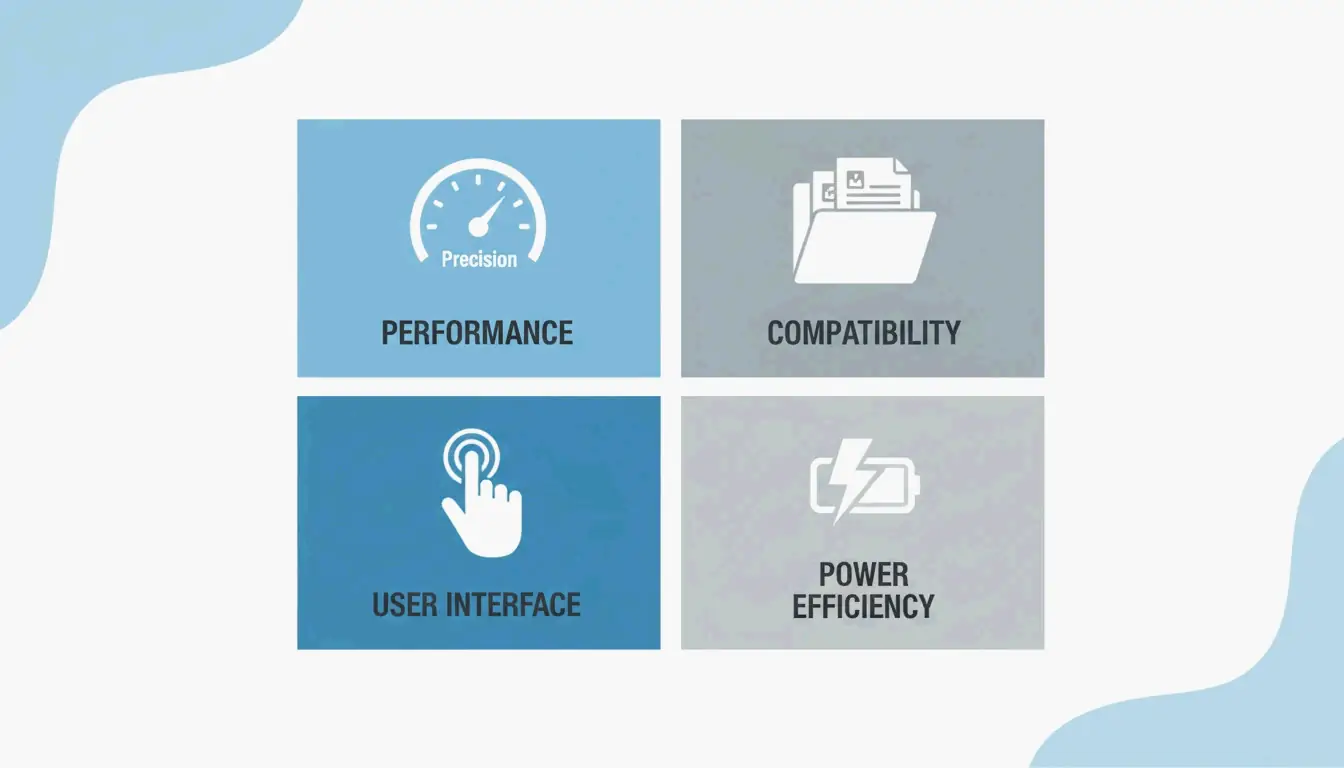
The evaluation focuses on four factors:
- Speed Range and Precision: Can you adjust in fine increments, such as 0.01x or 0.05x steps?
- Format Compatibility: Does it natively support MKV, MP4, AVI, and MOV without conversion?
- Interface Efficiency: Are there gesture controls like long-press for 2x speed or swipe for volume?
- Hardware Optimization: Does the app leverage iOS hardware acceleration so 4K playback does not drain the battery?
The Importance of Precision Playback in 2026
Precise playback control has become essential for a range of professionals. Developers reviewing screen recordings, students navigating three-hour lectures, and sports coaches analyzing 240fps footage all benefit from the ability to scrub through video with millisecond accuracy.
Top Picks: The Best iOS Video Players for Speed Control
VLC for Mobile: Universal Format King
VLC for Mobile remains the go-to choice for playing virtually any file type. It is free, open-source, and syncs files from Google Drive, Dropbox, and iCloud. As noted by Wondershare UniConverter, VLC is a top recommendation for opening MKV, AVI, and FLV files without conversion. Its speed slider is stable, and it maintains natural audio pitch even at high playback speeds.
| Feature | Detail |
|---|---|
| Price | Free |
| Speed Range | 0.25x to 4.0x |
| Format Support | MKV, AVI, FLV, MP4, MOV, and more |
| Cloud Sync | Google Drive, Dropbox, iCloud |
| Audio Pitch | Maintained at high speeds |
KMPlayer: The UHD and 4K Specialist
For high-definition content, KMPlayer excels at 4K, UHD, and 3D playback. The Softonic Editorial Team highlights KMPlayer’s support for codecs that the standard iOS player cannot handle. It also includes “KMP Connect” for streaming videos from a PC to an iPhone. The app is optimized for the latest iPad Pro and iPhone displays, keeping 4K video sharp even at elevated playback speeds.
MX Player: Mastering Gesture Controls
MX Player is known for its gesture-based interface. Playback speed, volume, and brightness can be adjusted through swipes and taps. A long-press jumps directly to 2x speed — a feature PhoneArena notes was a staple in third-party players before native apps adopted it. This makes MX Player an effective one-handed option for on-the-go viewing.
Infuse: The Cinephile’s Speed Player
Infuse provides a premium, polished interface for personal video libraries. It offers strong subtitle support and cloud integration. Infuse is designed for users with large collections of MKV and MOV files who still want the flexibility to speed through a slow documentary or slow down a foreign film to catch every line of dialogue.
According to the App Store listing for Video Player – All in One, which holds a 4.6-star rating from over 7,200 users, the market now expects “all-in-one” features like Picture-in-Picture (PiP) and Wi-Fi sharing alongside speed controls.
Gesture Cheat Sheet: Triggering Speed Changes Instantly
| Gesture | Action | Available In |
|---|---|---|
| Long-press | Instant 2x speed | Video Player – All in One, MX Player |
| Speed slider | 0.25x to 4.0x range | VLC |
| 0.05x increments | Fine-grained control | VideoSpeed |
| A/B Loop | Repeat a section at set speed | VLC, Infuse |
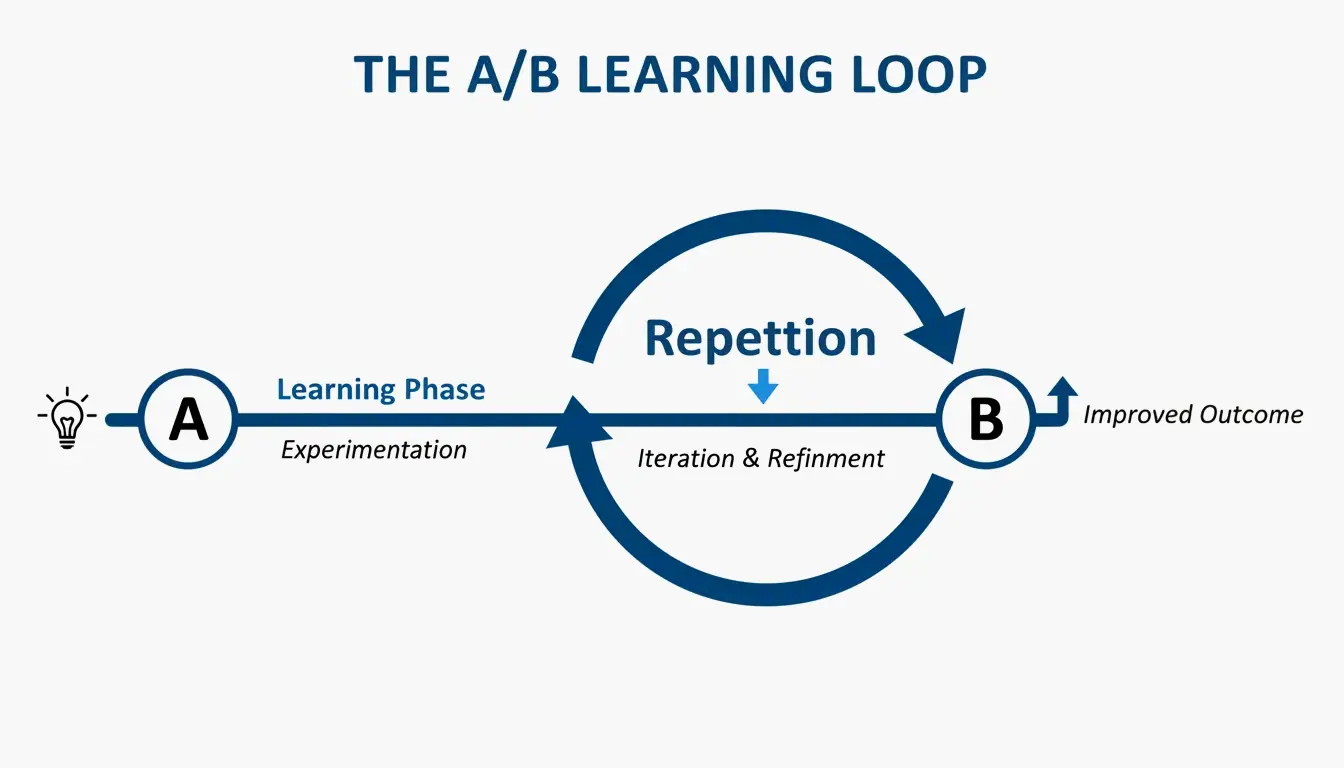
The A/B Loop is particularly valuable for learning. You set a start point and an end point, and the player repeats that section. Musicians and dancers use this to practice specific passages at 0.5x speed before attempting them at full tempo.
Specialized Use Cases: Musicians and Productivity
Music Speed Changer: Independent Pitch and Tempo
Standard players often distort audio when speed changes. Music Speed Changer solves this by decoupling tempo and pitch adjustment:
- A guitarist can slow a solo to 0.25x to study every note while the song remains in its original key.
- A singer can transpose the key without changing the playback speed at all.
RSVP Technology for Productivity
RSVP (Rapid Serial Visual Presentation) technology displays words one at a time in a fixed screen position, eliminating the need for eye movement. Apps like RSVP Reader enable reading speeds of 500 to 1,000 words per minute. This is effective for reviewing transcripts or scripts while traveling.
How to Play Incompatible Formats on Your iPhone
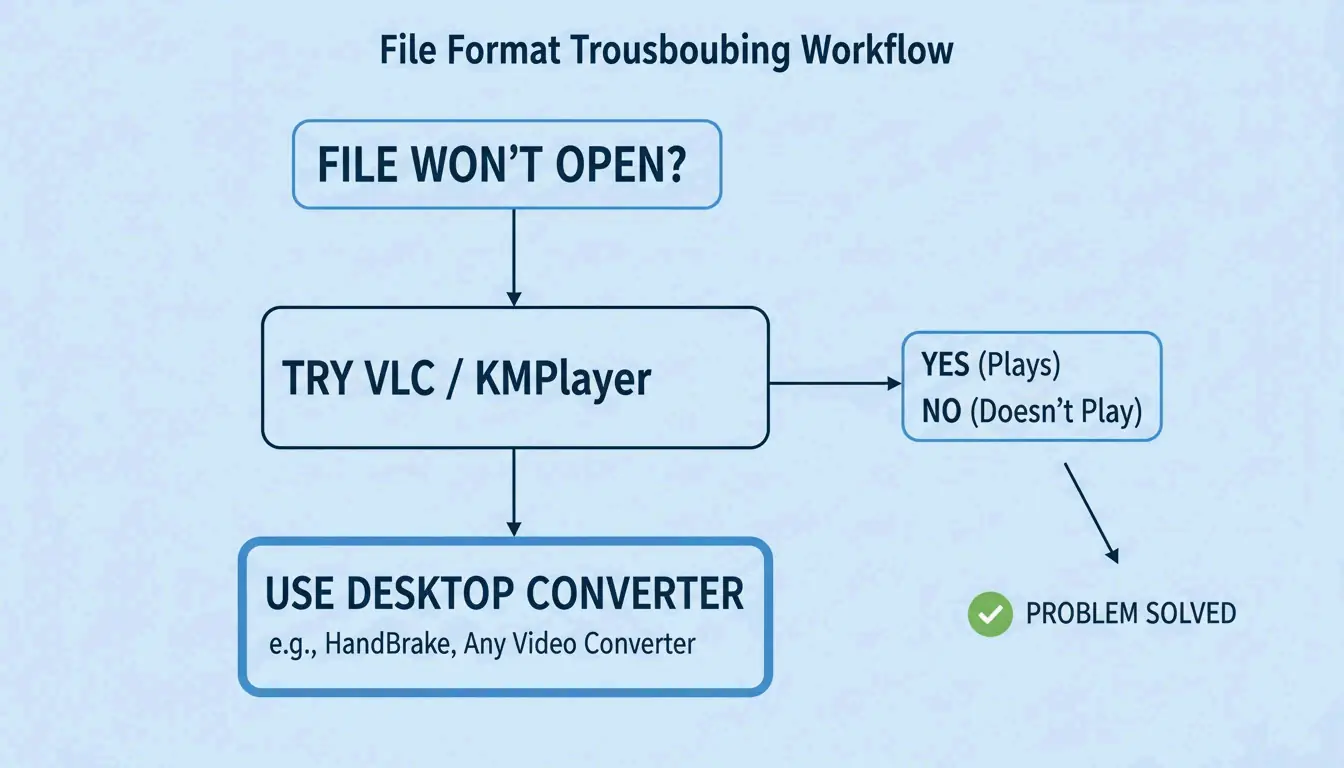
Even in 2026, some files will not open in the native iOS Photos app. Two main solutions exist:
| Solution | How It Works | Best For |
|---|---|---|
| Third-party player | Apps like VLC and KMPlayer include built-in codecs for MKV, AVI, and MOV | Quick playback without conversion |
| Desktop conversion | Wondershare UniConverter converts 1,000+ formats to iPhone-ready MP4 | Large libraries of 4K MKV files |
Once files are ready, transfer them via AirDrop, Google Drive, or a USB-C cable.
Conclusion
The right Speed Player iOS app depends on specific needs: VLC for general format support, KMPlayer for high-definition video, and Music Speed Changer for audio precision. For most users, VLC for Mobile is the strongest free all-around option. For musicians or dancers who need undistorted audio at variable speeds, Music Speed Changer is worth the download.
FAQ
Can I change the playback speed of videos in the native iOS Photos app?
The native iOS Photos app supports speed adjustments only for Slo-mo videos captured directly on the iPhone. For standard recorded or imported videos, there is no speed toggle. You need an editor like iMovie or a dedicated third-party player such as VLC.
Which iPhone video player supports 4K Ultra HD without draining the battery?
KMPlayer is highly optimized for 4K and UHD playback, using hardware acceleration to reduce CPU load. Infuse is another strong premium option with efficient decoding designed to preserve battery life during extended high-definition viewing sessions.
Is there an app that changes audio pitch independently of playback speed?
Yes. Music Speed Changer is specifically designed for this purpose. It allows pitch shifting of up to plus or minus 12 semitones while keeping playback speed constant, making it an effective tool for musicians who need to practice in different keys without altering tempo.
What is A/B Loop and which iOS apps support it?
A/B Loop lets you mark two points in a video (Point A and Point B) and have the player automatically repeat that segment. This feature is available in VLC and Infuse, and it is commonly used by musicians, dancers, and language learners for focused practice at reduced speeds.